


.svg)
.svg)
.svg%201.svg)



Get Business Email
No domain name required
Get Business Email
With Domain

TL;DR:
- How do I get a free domain for a business email? Neo Mail includes a free domain option and a free AI website with its email plans if you don't own one.
- Already own a domain and only need to receive email for free? Cloudflare Email Routing forwards incoming messages to Gmail or Outlook for free, but you'll need another service to send from your business address.
- Already own a domain and need to try out business email for free: GoDaddy offers professional email powered by Titan and Microsoft 365. Both are paid options, though some bundles may include a trial.
- Business email for larger teams with productivity tools? GoDaddy + Microsoft 365 is worth considering if your team already relies on Microsoft applications. Some GoDaddy bundles may include an eligible email trial.
One important distinction: a free email service doesn't usually mean a free domain. Domain registrations normally renew every year unless your email provider includes one under its own terms.
What are the best free business emails with domain
GoDaddy's official documentation confirms that its Microsoft 365 Email Essentials trial is available through certain product bundles rather than as a universal trial.
How to create a free business email with domain
(Step-by-step processes)
1. Neo Mail: If you want email with a free domain and a free website
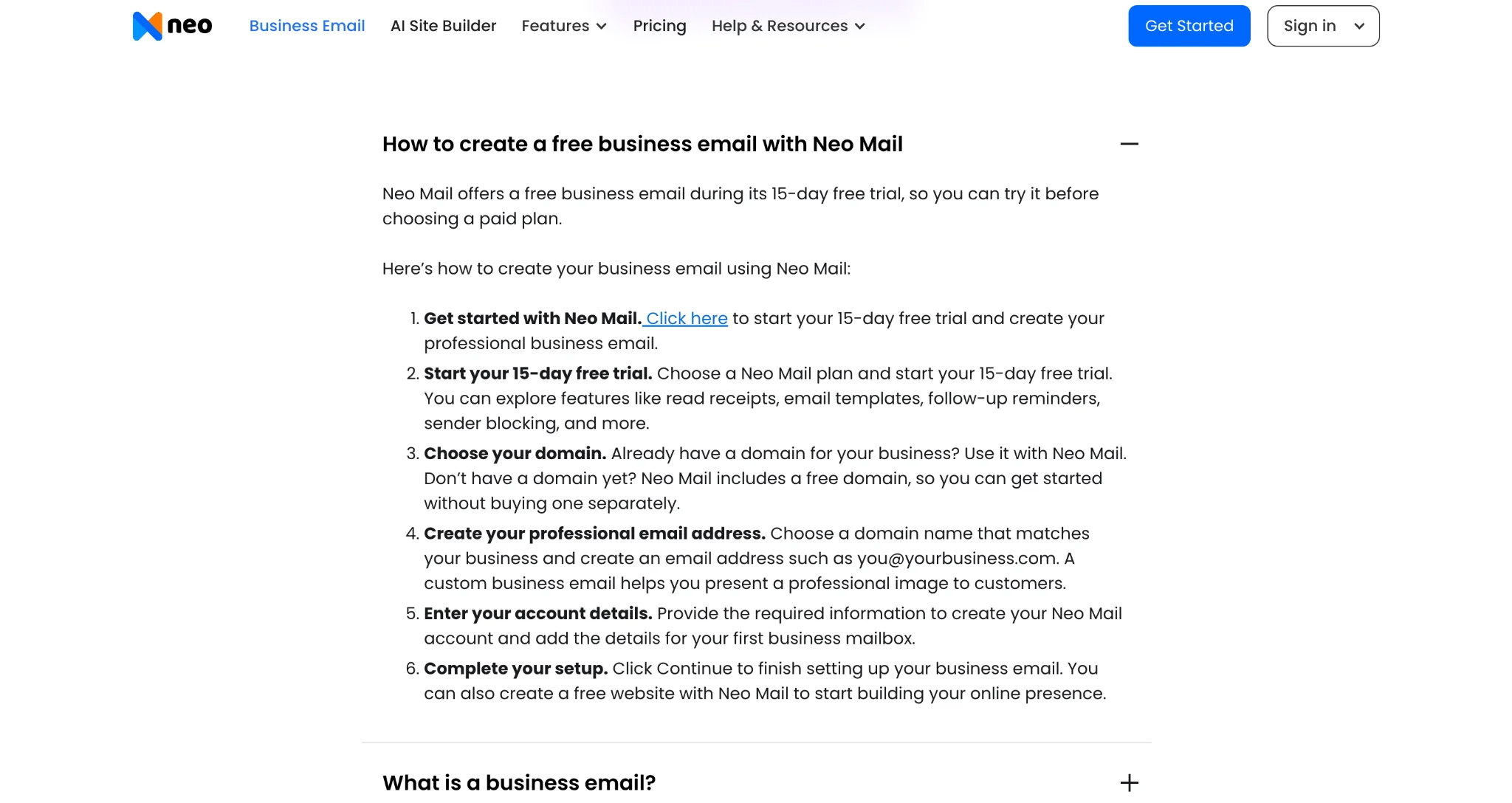
Step 1: Visit this web page of Neo Mail, scroll down to the Frequently Asked Questions section, and expand “How to create a free business email with Neo Mail.” Click the “Click here” link in Step 1 to start your 15-day free trial.
Step 2: Choose your domain: Neo Mail gives you two ways to set up your business email, depending on whether you already own a domain.
If you own a domain: Click on “Already own a domain” and enter your domain name.
[Note: A free trial is offered if you already own a domain]
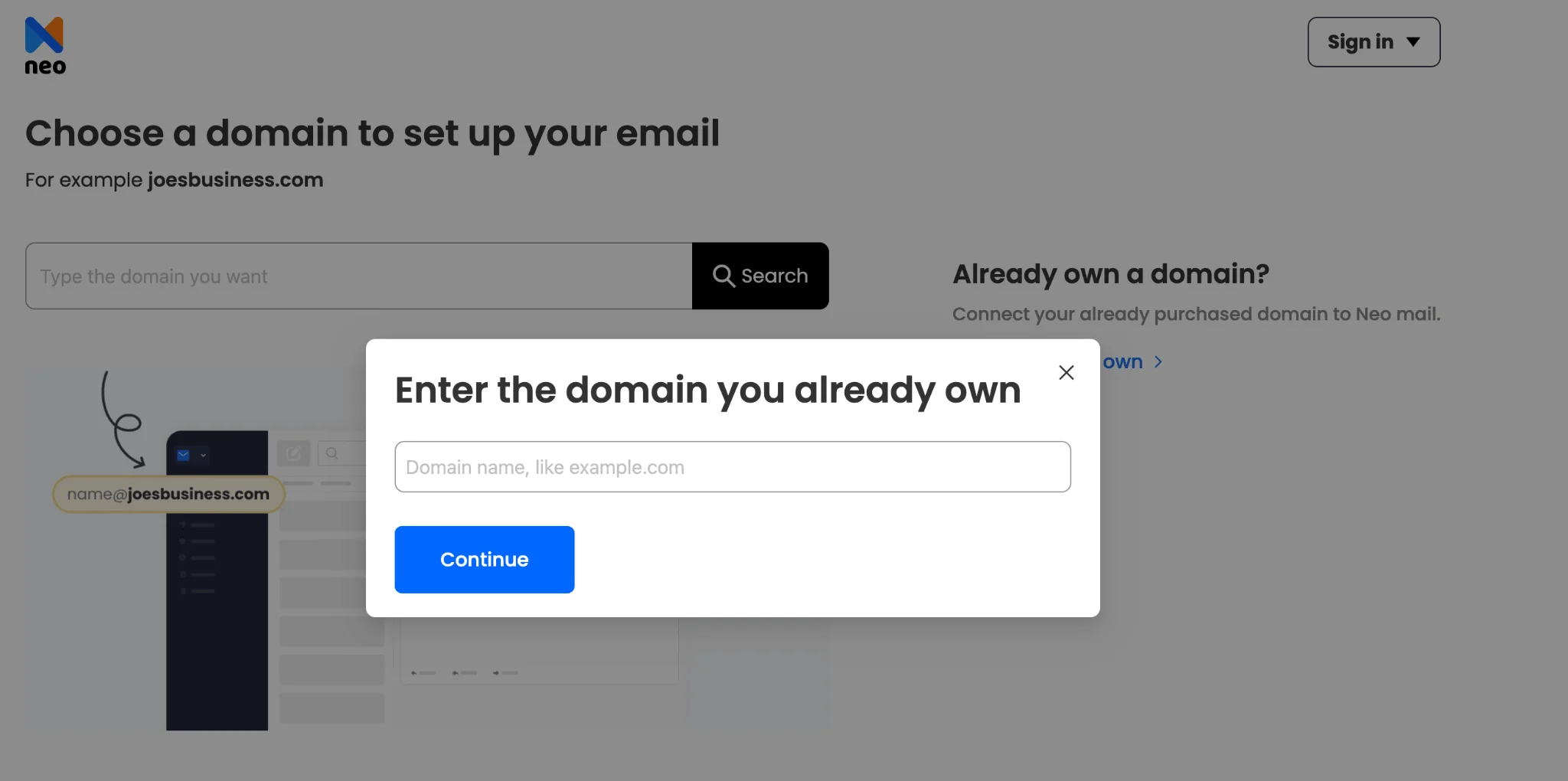
Or get a domain for free: Click on “Choose a domain”.
[Note: A free trial is not offered in this option]

Step 3: Confirm your domain ownership: Check “I have access to this domain to update its settings” and click “I own this domain, continue” to proceed.
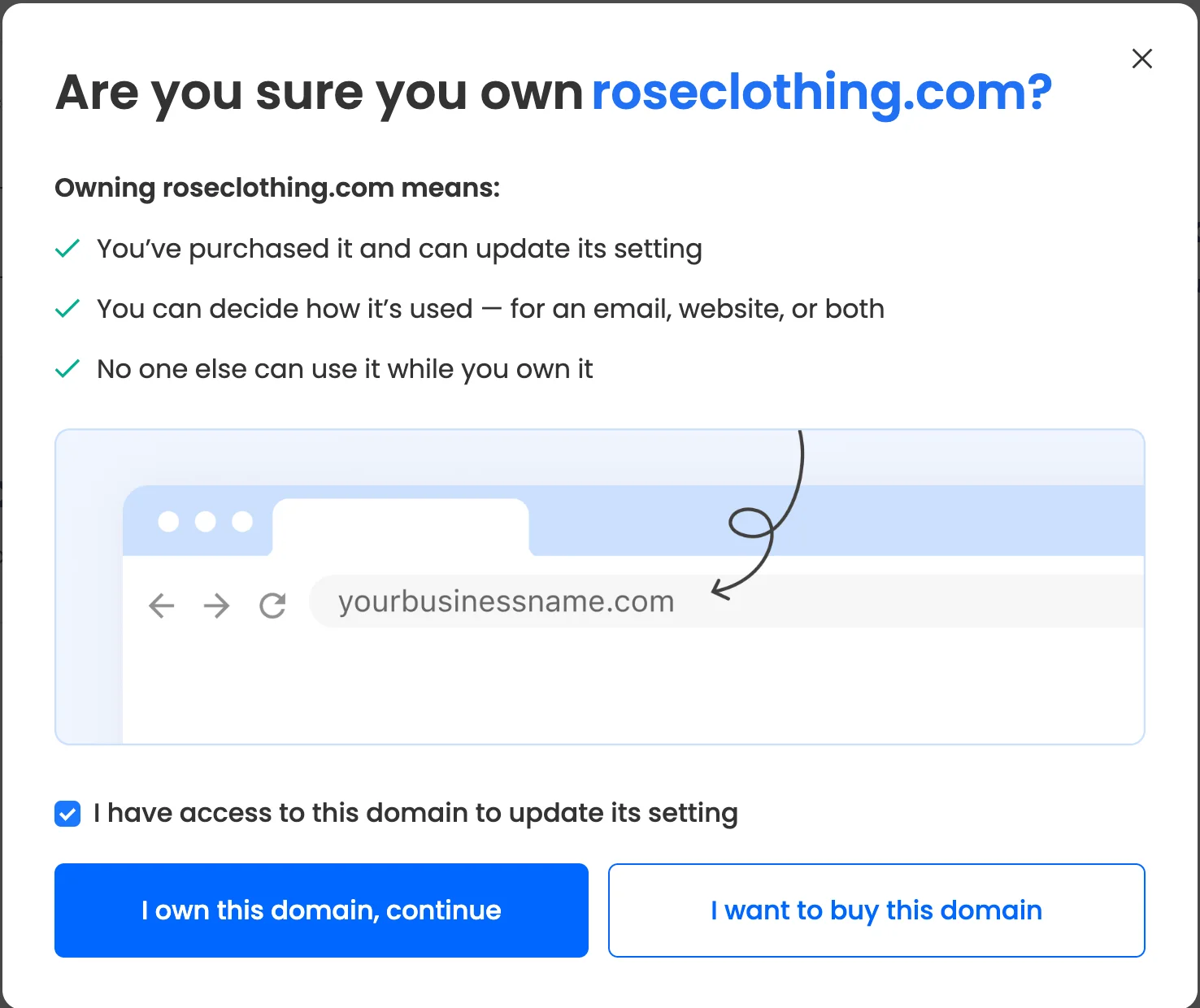
(If you don't own a domain, you can omit this step)
Pro tip: whether you own a domain or not, the steps to acquire a business email are the same going forward
Step 4: Enter your account details: Your name, existing email address, and set a password.
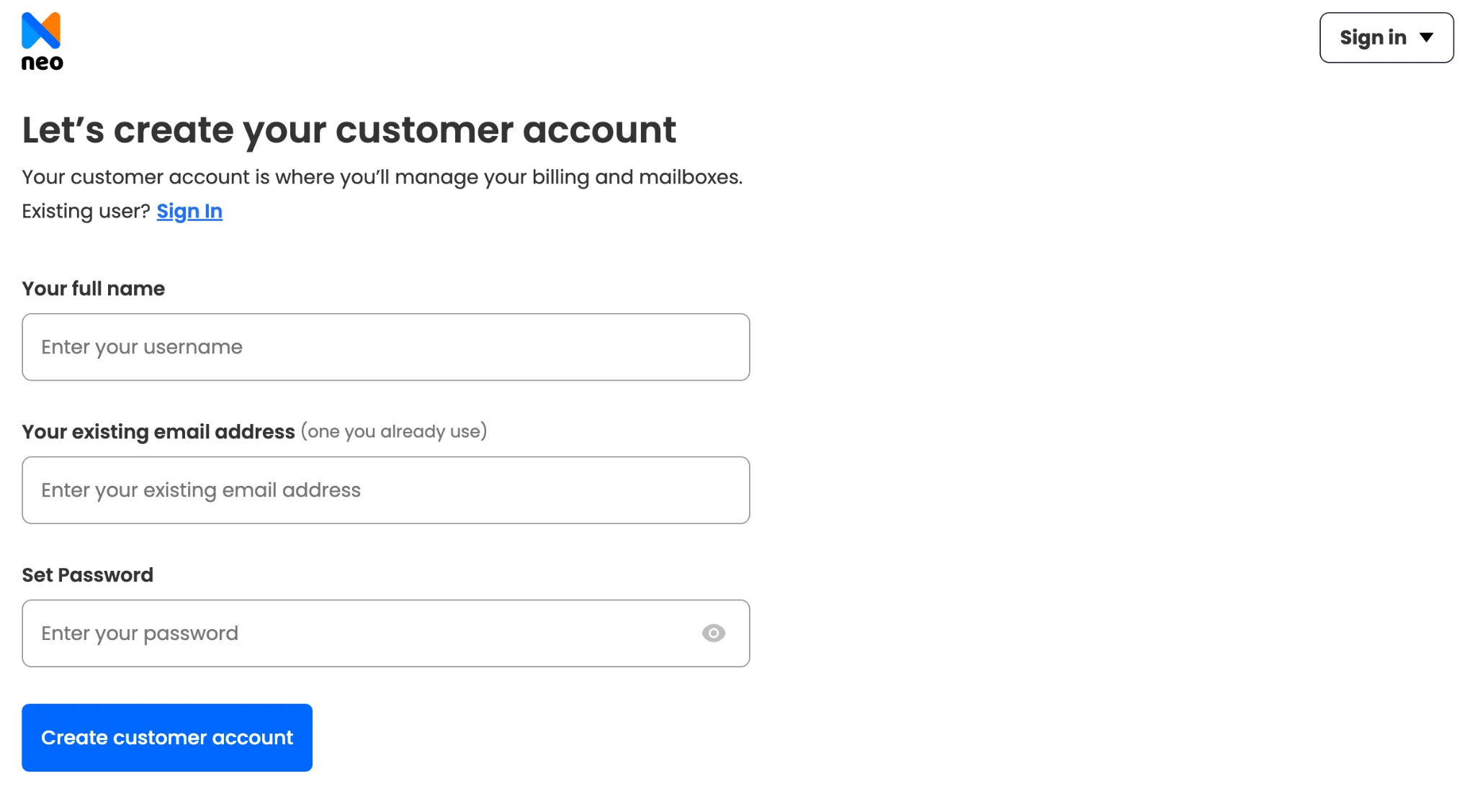
Step 5: Create your professional business email address, such Such as hello@yourcompany.com or name@yourcompany.co.site, using your selected domain.
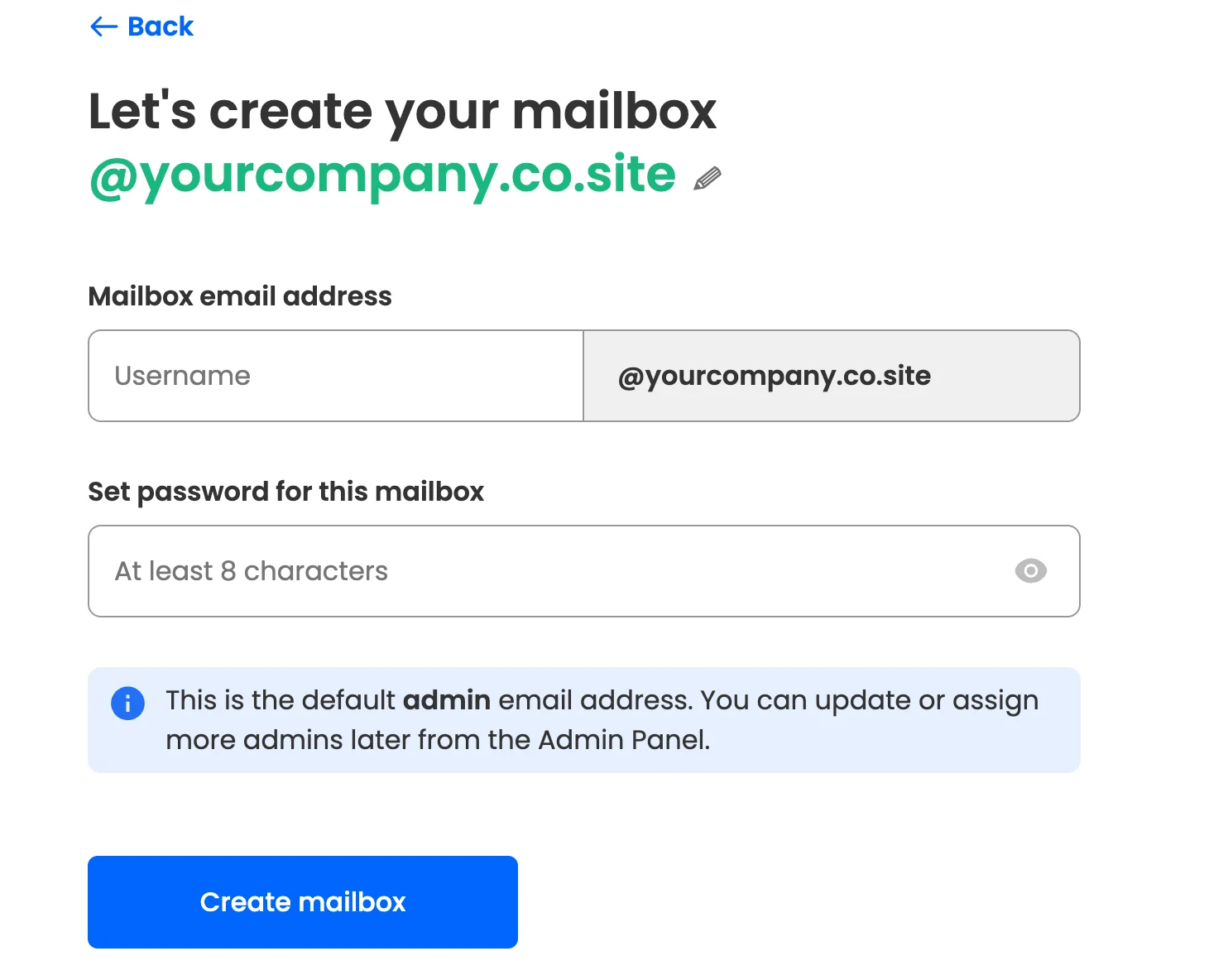
Step 6: Claim your free site & domain: If you already own a domain, you can use it with Neo Mail, but you won’t be eligible for the free domain offer. If you don’t own a domain, you can claim one for free. A free website is included in both cases.

Step 7: Complete your setup: Follow the remaining instructions to finish setting up your mailbox. You can also create a free AI-powered website for your business with Neo Mail.
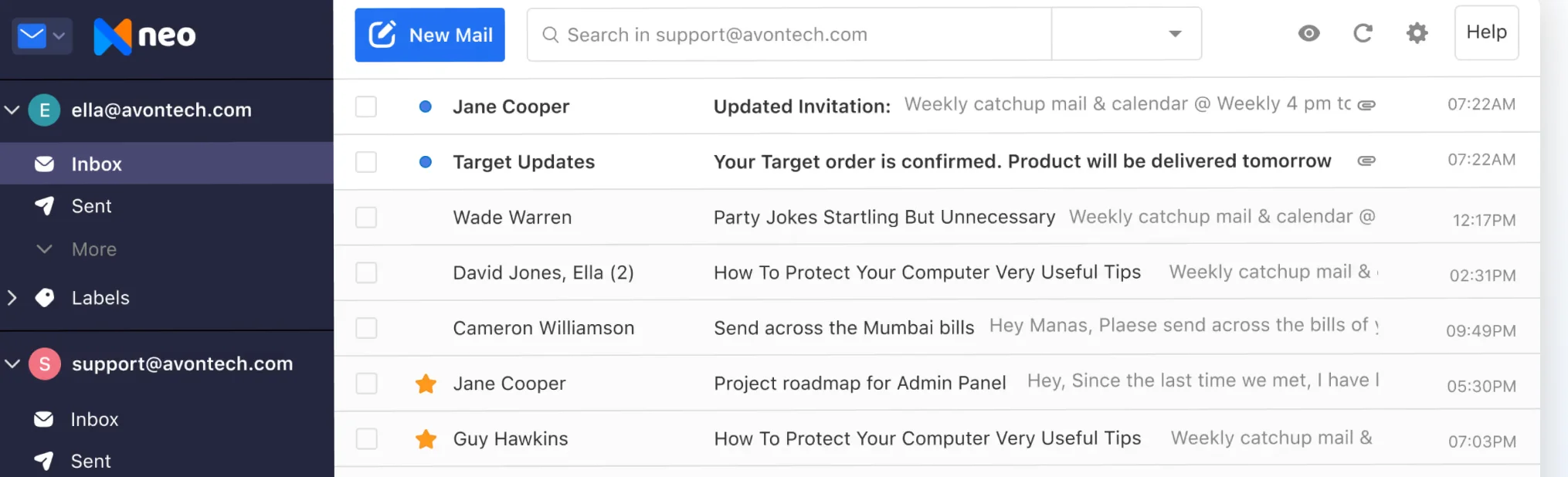
How much does Neo Mail cost?
Neo Mail plans start at $1.25 per mailbox per month, with a 15-day free trial before you commit to the paid plan. A free domain and free AI-generated website are included with the subscription.
Best for: Fashion boutique owners, real estate agents, consultants, and local businesses that regularly manage customer inquiries, appointments, and follow-ups.
2. Cloudflare Email Routing: Free if receiving emails is all you need
How to set up Cloudflare Email Routing
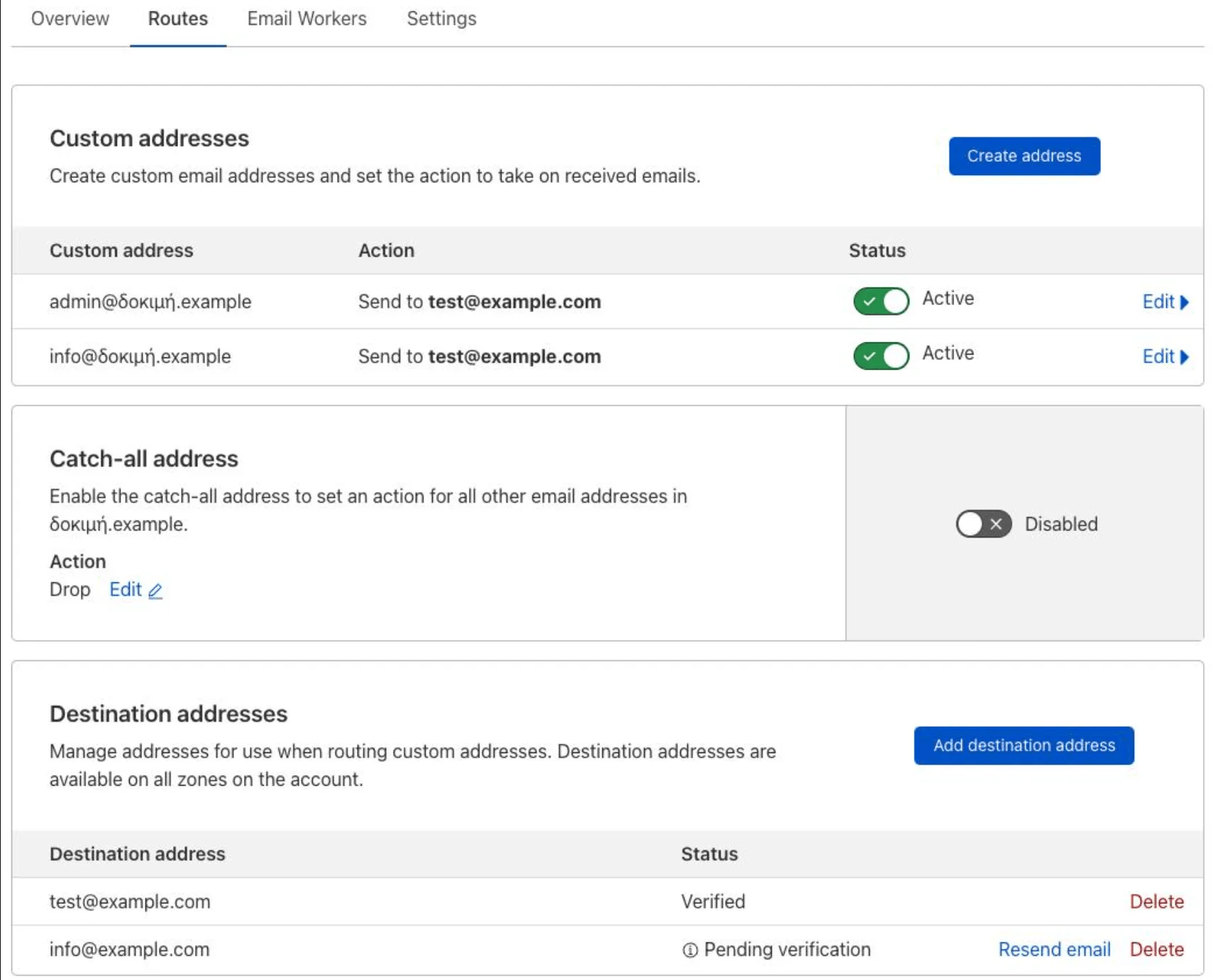
Step 1: Add your domain to Cloudflare: Create a free Cloudflare account and add your domain. If Cloudflare doesn't already manage your DNS, follow its instructions to update your nameservers at your domain registrar.
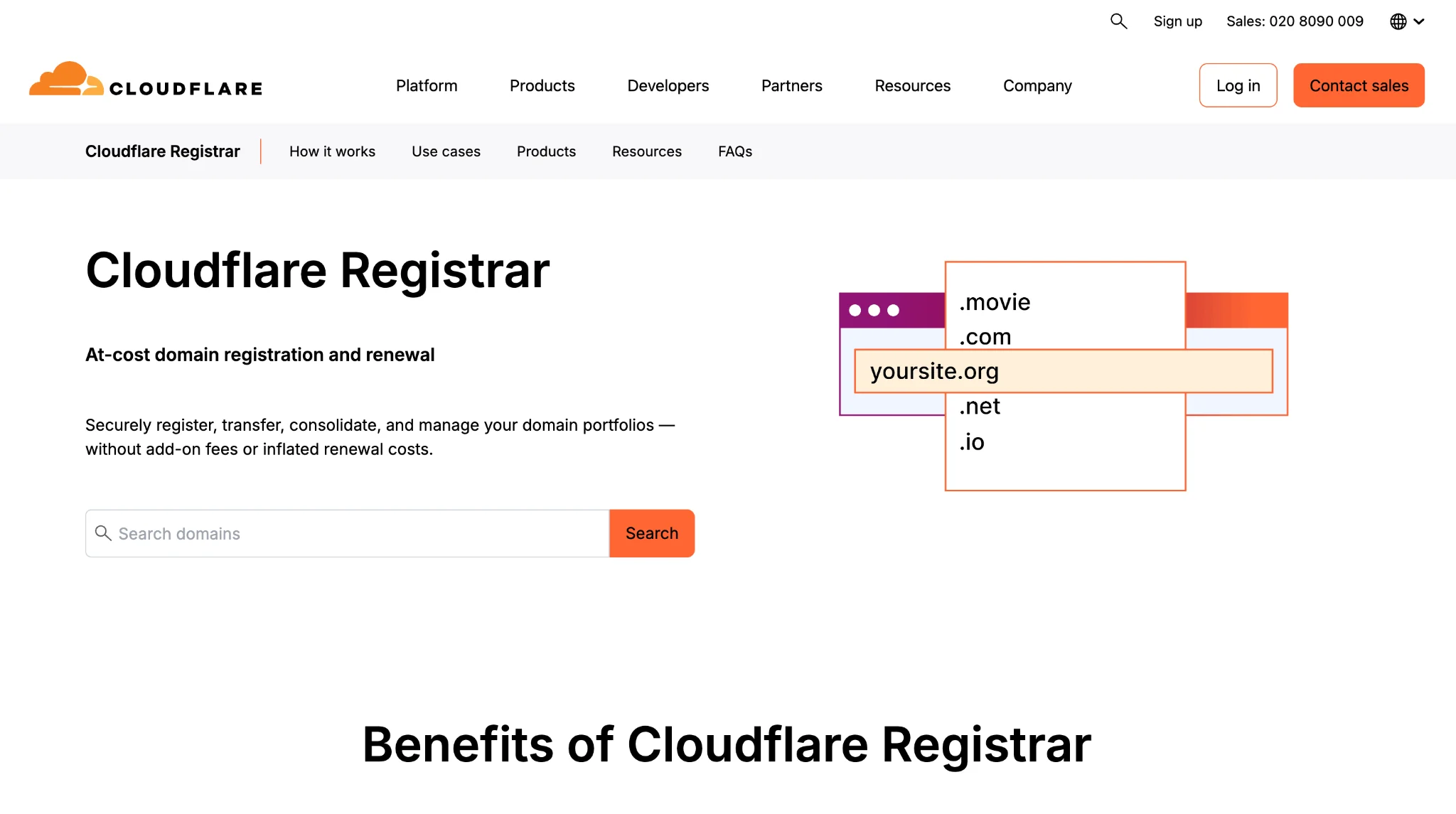
Step 2: Enable Email Routing: Open your domain in the Cloudflare dashboard and enable Email Routing. Cloudflare will guide you through configuring the necessary MX records.
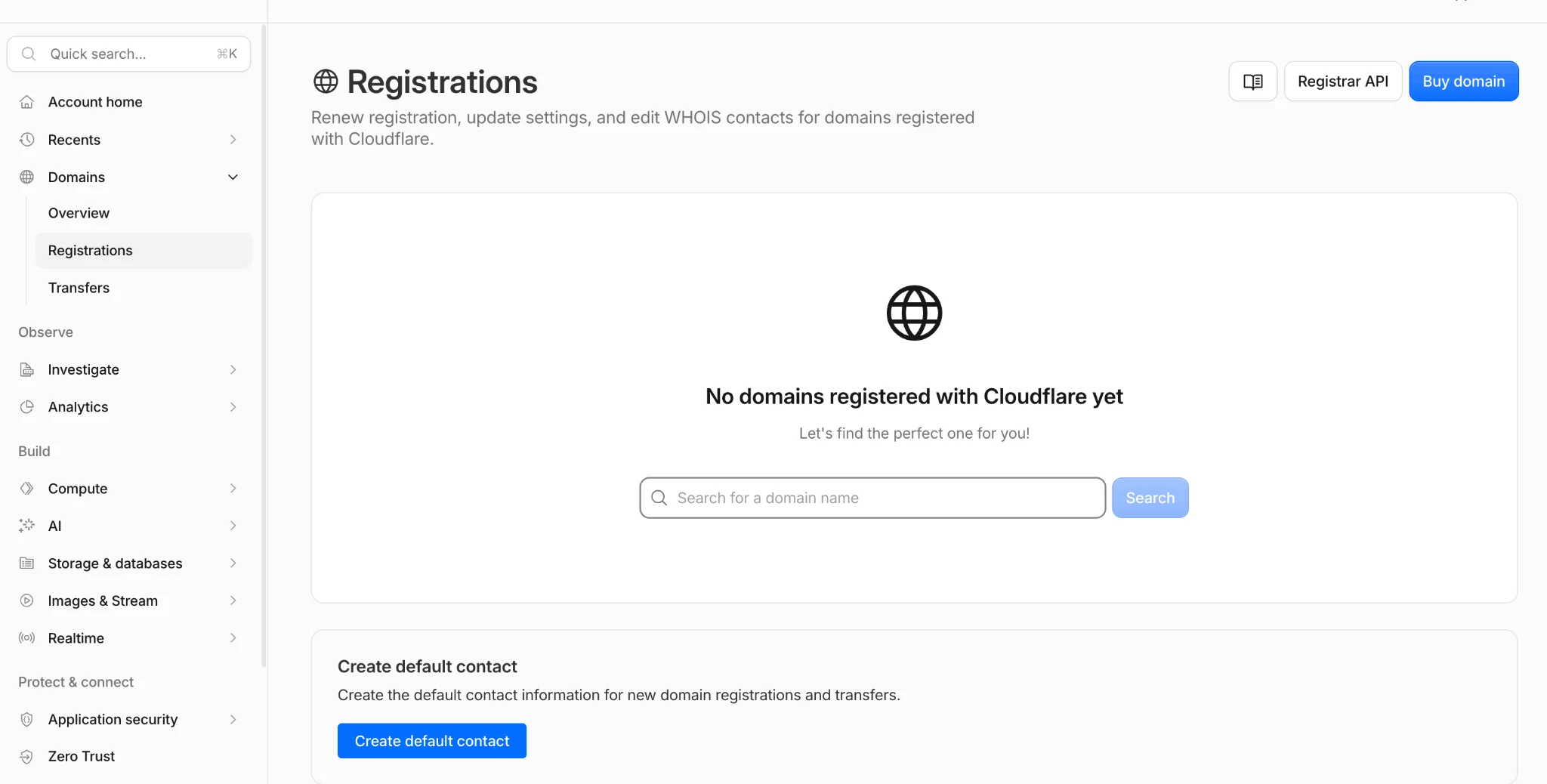
Step 3: Add your destination inbox: Enter the Gmail, Outlook, or other email address where you want incoming messages delivered. Verify that address using the confirmation email from Cloudflare.
Step 4: Create a routing rule: Create an address such as sales@yourbusiness.com and choose the inbox where its messages should arrive. You can also configure a catch-all address if needed.
Step 5: Test your email: Send a message to your new address from another account. Check whether it arrives in your destination inbox.
What does Cloudflare Email Routing cost?
Cloudflare Email Routing is free forever, but you'll need to own a domain. It forwards incoming messages to an existing inbox and doesn't provide a separate mailbox or outgoing email service.
Best for: Solo business owners who already own a domain and mainly want to receive business inquiries in Gmail or Outlook.
3. GoDaddy + Titan Email: Professional email with your own domain
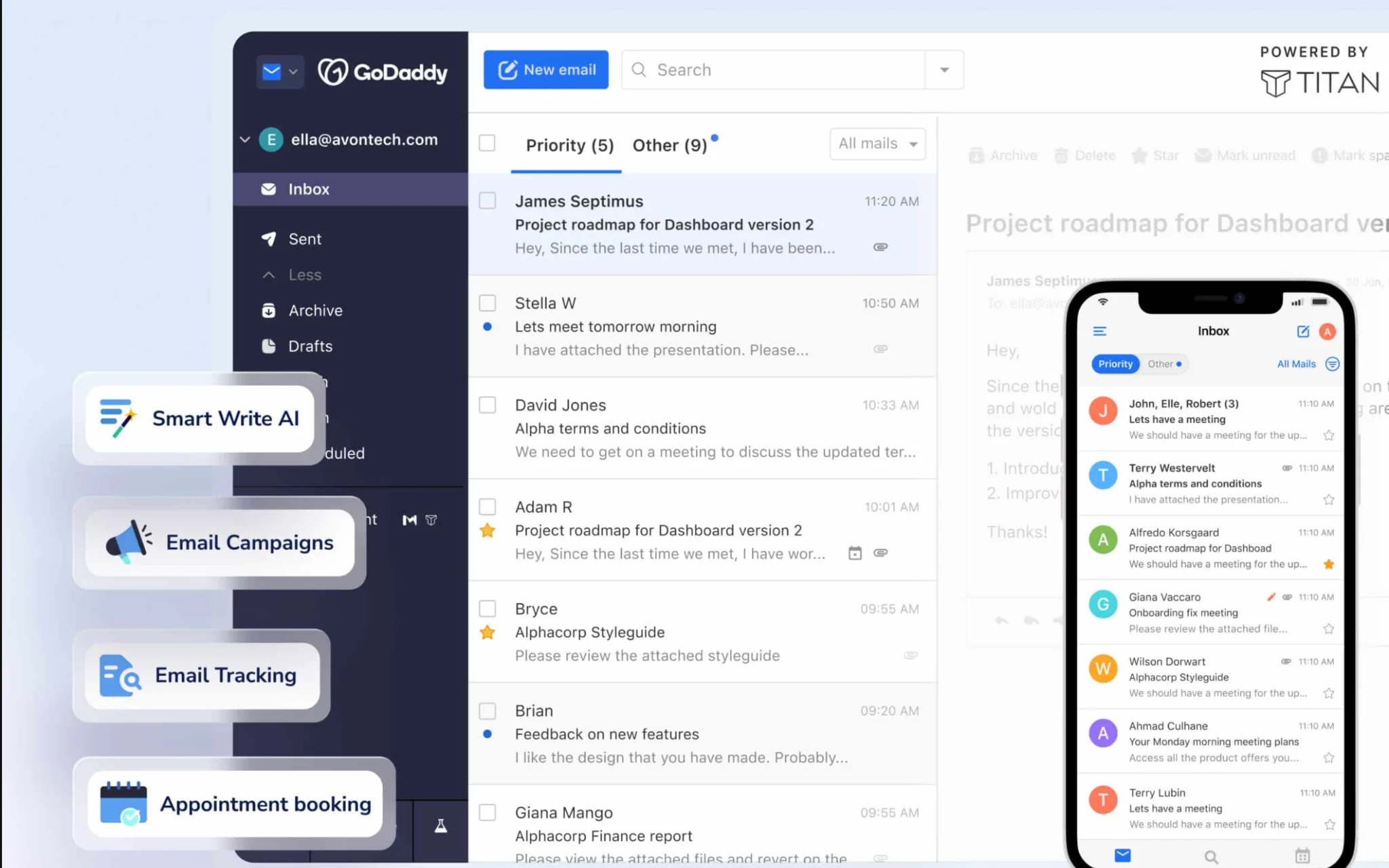
GoDaddy offers professional business email powered by Titan, allowing you to create addresses like hello@yourbusiness.com using a domain you own or purchase through GoDaddy.
It includes a dedicated mailbox, webmail access, mobile apps, and additional productivity features depending on the plan you choose.
How to set up GoDaddy with Titan Email
Step 1: Choose your domain: Visit GoDaddy and register a domain for your business, or use one you already own.
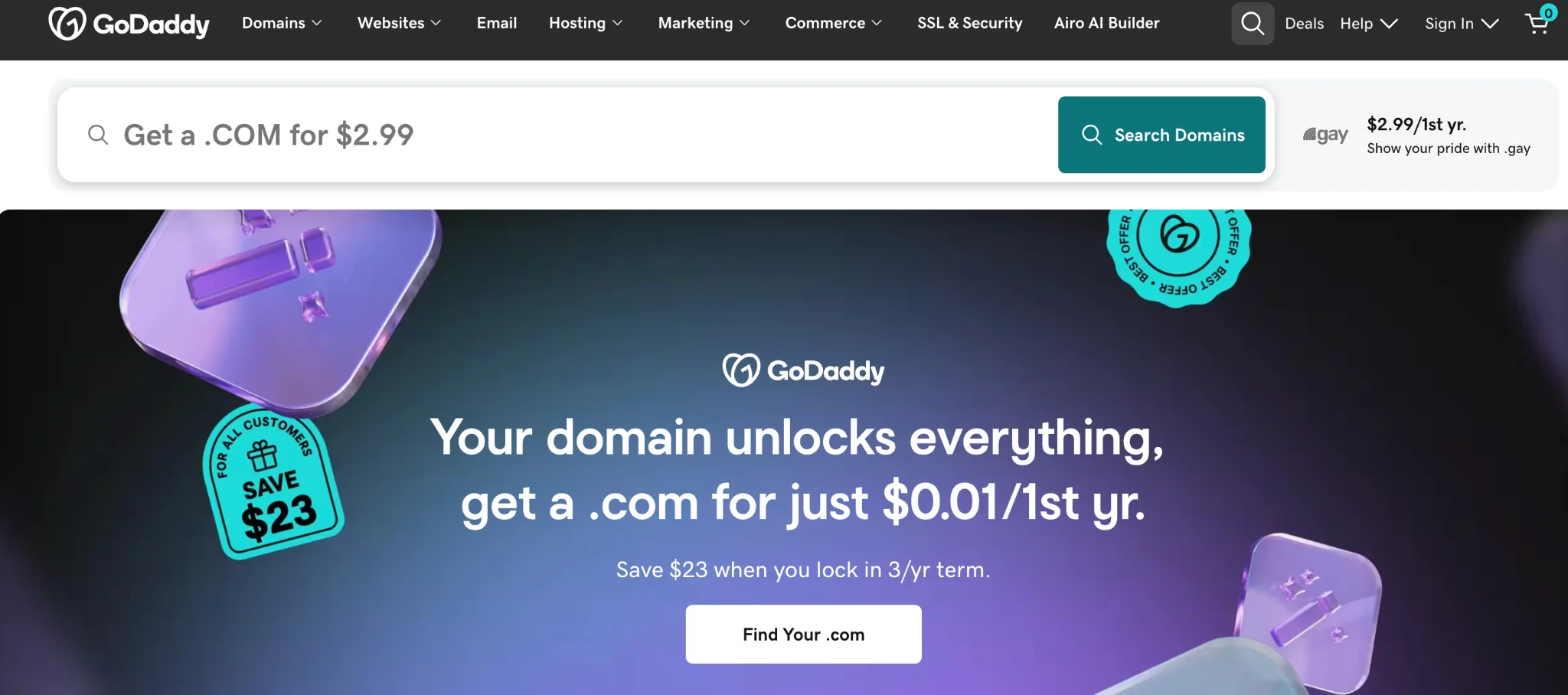
Step 2: Select a Titan Email plan: Choose Professional Email powered by Titan and select a plan based on your requirements.
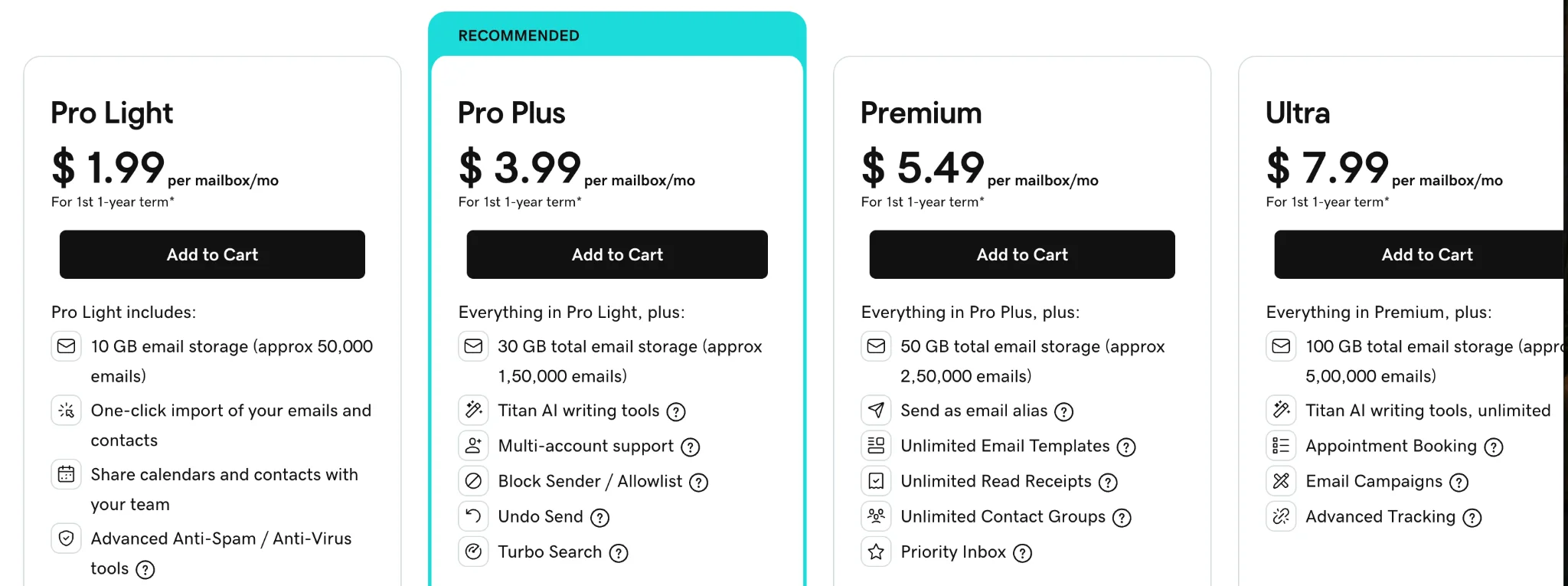
Step 3: Create your business email address: Sign in to GoDaddy's Email & Office Dashboard, select Add user, choose Professional Email powered by Titan, and select the domain you want to use.
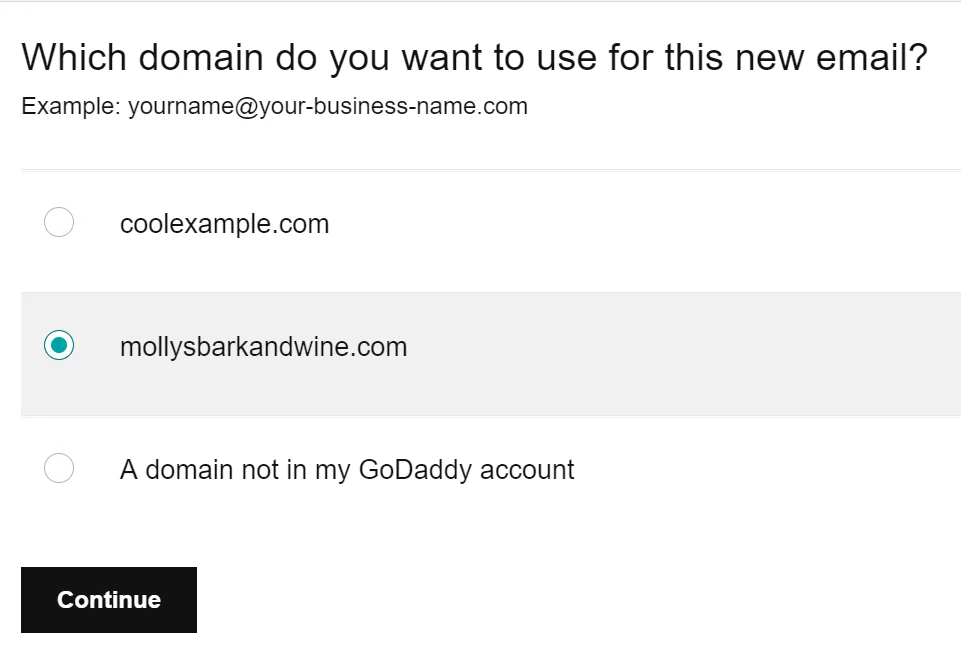
Step 4: Set up your mailbox: Choose an email address, create a password, and add a recovery email so you can regain access if needed.
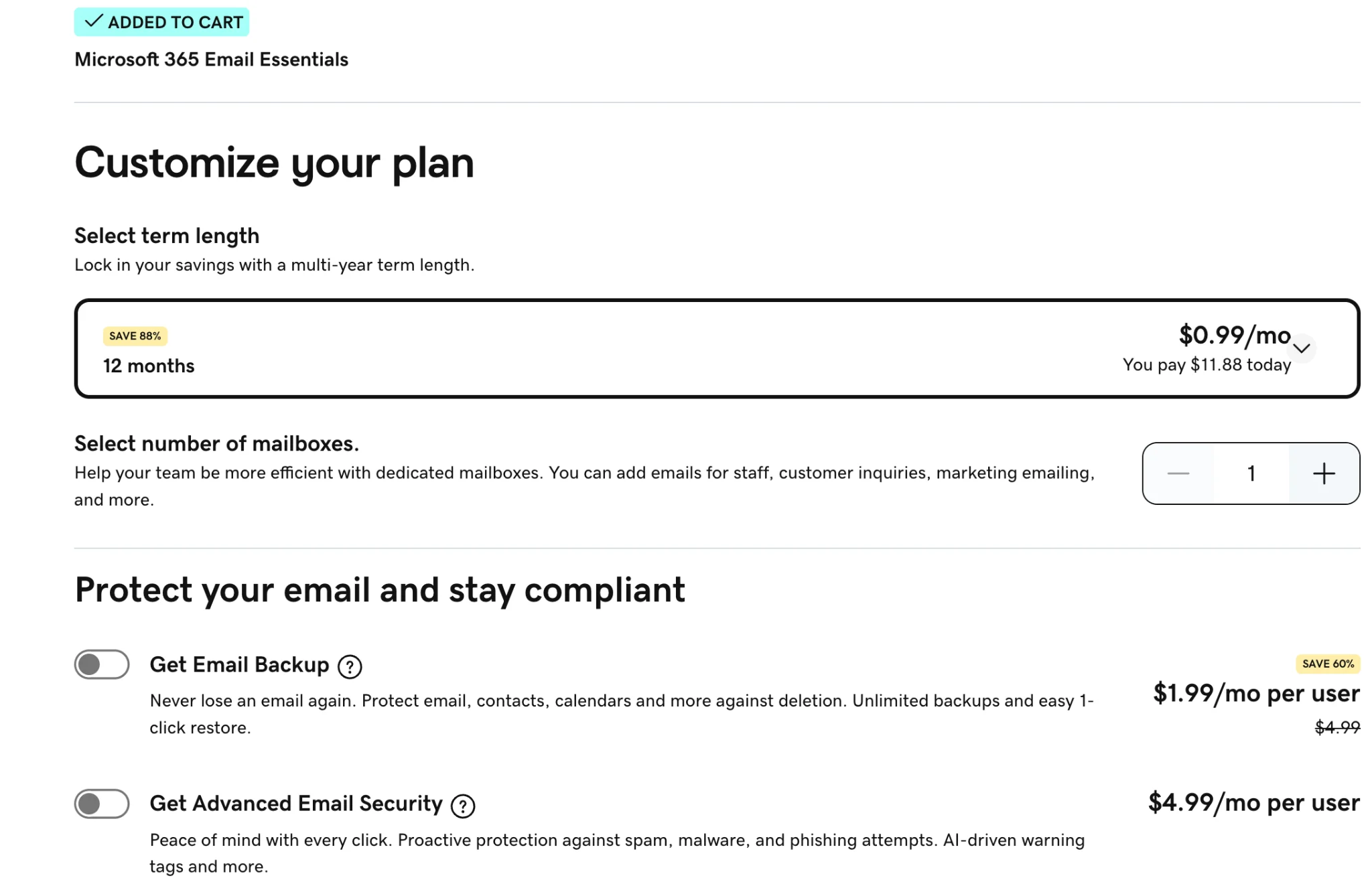
Step 5: Sign in and start using your email: Open Titan Webmail or install the Titan mobile app. Send a test email to confirm that your mailbox is working.
What does GoDaddy with Titan Email cost?
GoDaddy offers paid Titan-powered email plans, with pricing depending on your location, features, and billing term. Domain registration may cost extra, so check both the email subscription and domain renewal prices.
Best for: Small business owners who already manage their domains through GoDaddy and want to purchase professional email from the same provider.
4. GoDaddy + Microsoft 365: Business email with Outlook and Microsoft tools
GoDaddy also sells Microsoft 365 email plans for businesses that prefer Outlook. Depending on the package, you can get professional email alongside tools like Word, Excel, OneDrive, and Teams.
It's useful for businesses that want Microsoft email and productivity services while managing their subscription through GoDaddy.
How to set up GoDaddy with Microsoft 365
Step 1: Choose a Microsoft 365 email plan: Visit GoDaddy's Microsoft 365 email page and select a plan based on your needs.
Step 2: Select your domain: Use an existing domain or register one through GoDaddy which will become your email address.
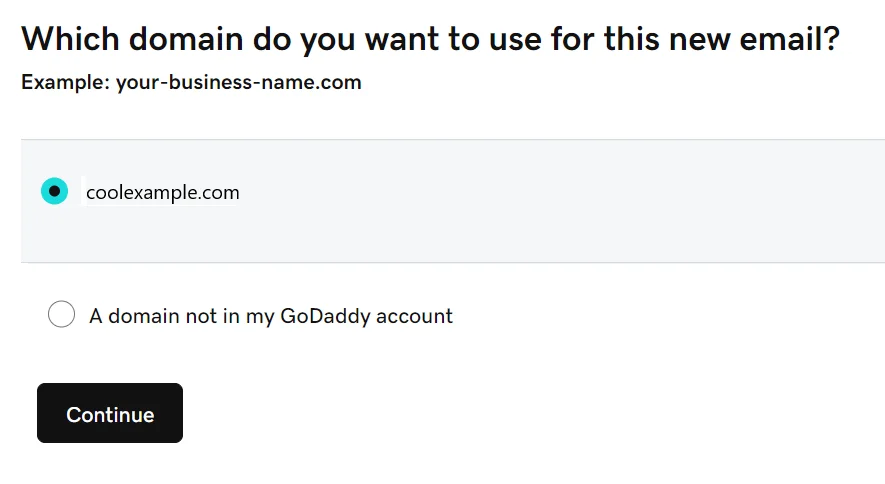
Step 3: Create your business email address: Sign in to GoDaddy's Email & Office Dashboard, choose your domain, and enter a username such as hello or yourname.
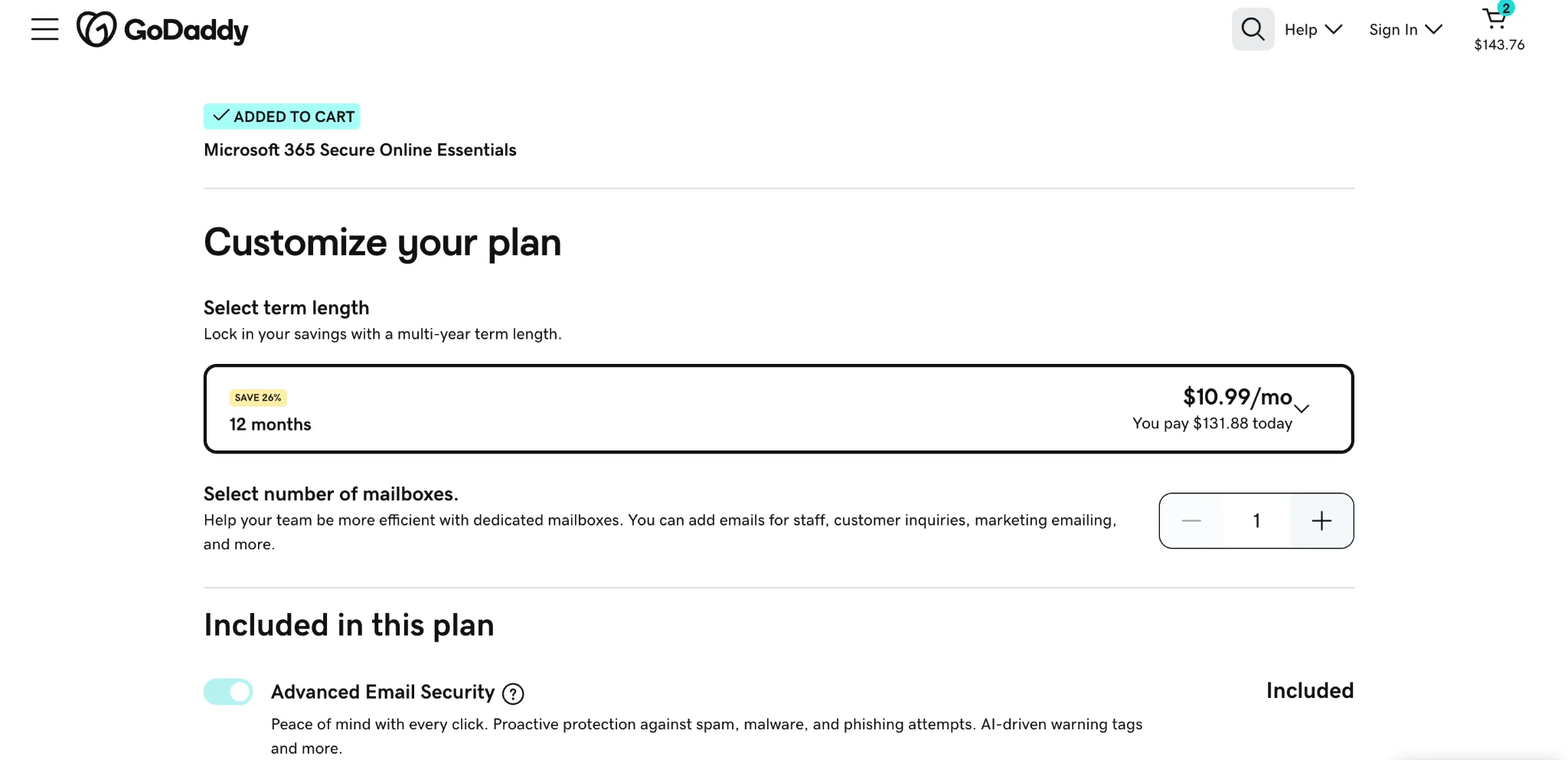
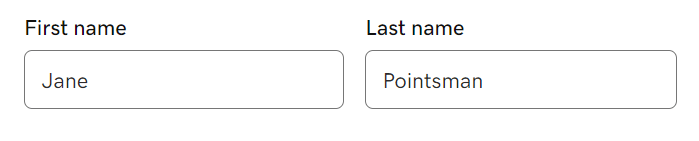
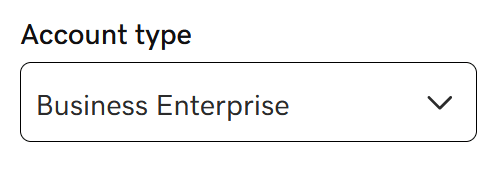
Step 4: Set up your account details: Enter your name, create a password, and choose whether the account needs administrator permissions.
Step 5: Sign in to Outlook
Once your account is ready, sign in using your Microsoft 365 business email address and password.
Step 6: Add users and start sending emails
Create additional accounts for your team if needed. Send a test email to confirm everything is working.
How much does GoDaddy’s Microsoft 365 cost?
GoDaddy offers several paid Microsoft 365 email plans, from basic email hosting to packages with additional Microsoft applications. Pricing and renewal rates depend on the plan, billing term, and available offers. Some GoDaddy product bundles include an eligible email trial.
Best for: Businesses that prefer Outlook and want to manage Microsoft email, storage, and collaboration tools through GoDaddy.
[Disclamair: The Neo Mail process follows the official Neo Mail business email FAQ shown in your screenshot. The GoDaddy steps follow its official Titan Email setup guide and Microsoft 365 setup guide.]
How much does a business email with domain really cost?
A standard .com domain typically costs between $10 and $23 per year, depending on the registrar. Some providers offer discounted first-year prices, but renewal costs can be higher.
For example, Cloudflare Registrar lists a .com domain at $10.46 per year, while GoDaddy lists a standard .com renewal price of $22.99 per year. Neo Mail includes a free .co.site domain, such as yourbusiness.co.site, with eligible paid email plans. The domain remains free while the qualifying subscription is active.
Here's how the domain costs compare:
Note: These prices cover domain registration, not email hosting. Cloudflare Email Routing is free, while GoDaddy's Titan and Microsoft 365 email plans cost extra. Neo Mail includes the eligible domain with its paid email subscription.
Domain prices can change, so check the latest registration and renewal rates before purchasing.
Can you really get free business email with your own domain?
Yes, you can get business email for free, but what you get depends on the service you choose. Here's a quick breakdown:
- Free email forwarding: Cloudflare Email Routing lets you receive messages on a domain you already own and forward them to Gmail or Outlook.
- Free business email trial: Neo Mail offers a 15-day trial of a dedicated mailbox, along with an eligible free domain option.
If you only receive occasional customer inquiries, forwarding might be enough. But if you're regularly sending proposals, invoices, or client updates, a dedicated business mailbox is usually more practical.
What's actually free, and what will you still pay for in business email?
Your domain and email service are two separate things. The domain is what comes after the @ sign, like yourbusiness.com, while your email provider manages your inbox, messages, and storage.
It's also worth turning on domain auto-renew. If your domain expires, it could interrupt your business email and website.
How we compared these providers
We compared these four options based on what they offer for free, whether they support custom domains, and how easy they are to set up and manage.
We also looked at trial availability, subscription pricing, domain registration costs, renewal requirements, and the limitations of each service.
Beyond pricing, we considered whether each option allows you to send and receive messages, forward incoming email, or manage multiple business accounts. These differences can help you choose based on your needs and budget.
Frequently asked questions
1. Can I create an email with a custom domain for free?
Yes. If you already own a domain, Neo Mail offers business email by giving you a 15-day free trial.
2. How many email addresses can I create on my domain for free?
It depends on the provider and service. For hosted email providers like Neo Mail and GoDaddy, the number of mailboxes depends on the subscription and any available aliases. Cloudflare Email Routing supports up to 200 routing rules per domain, but these are forwarding addresses rather than separate inboxes.
3. Do I need a website to have business email on my domain?
No. If you choose Neo Mail, all paid plans also include a free AI website builder, which helps you create a website for free.
4. What happens when my free business email trial ends?
Most providers require you to choose a paid subscription to continue using your mailbox after the trial. Before your trial ends, check the provider's terms, especially if you need to export messages or contacts.
5. Can I get free business email without buying a domain?
Yes, Neo Mail offers an eligible free domain with its paid business email plans, so you can create an address like hello@yourbusiness.co.site without buying a domain separately.
Disclaimer
We've reviewed the details using information available on the providers' official websites. However, these details may change depending on your location, selected plan, or ongoing offers. We recommend verifying the latest pricing, renewal fees, and terms directly on each provider's website before making a decision.
Get Business Email
No domain name required
Get Business Email
With Domain
