


.svg)
.svg)
.svg%201.svg)



Get Business Email
No domain name required
Get a Professional Email
With Neo!

Have you ever tried to find someone’s email ID? Finding an individual’s email address looks simple until you actually try. You know the person’s name. Sometimes, you also know their role. Yet the email address remains out of sight, maybe behind contact forms or generic inboxes. This is a challenge that keeps recurring for solopreneurs and small business owners.
Since email is a direct and professional way to start a business conversation, most businesses look for email addresses to reach out to potential clients, partners, vendors, or investors. But to make the communication pipeline work, your message has to reach the right person and the right inbox. Sending an email to the wrong address or a spam folder may increase the chances of bounced emails, missed opportunities, and wasted time.
Quick Summary
This guide explains how to find someone’s email address step by step, using ethical, practical and proven methods that can help you discover professional email addresses for your business use.
Why is Finding the Right Email Address Important?
Email is one of the most important channels for business communication. Unlike social media messages or instant chats, emails are sent with intention. Globally, billions of people check their email daily, and a large portion of business audiences engage with their inboxes multiple times throughout the day. 28% of email users check their inbox more than 10 times a day, and 65% check email at least three times daily.
Emails are the flag bearer of professionalism, and an early touchpoint for outreach, partnerships, and sales conversations. Knowing how to find someone’s email address helps you:
- Avoid bounced emails, which are indicative of poor list quality.
- Reach the right and targeted decision-maker.
- Protect your sender reputation with email providers.
- Increase open and reply rates of messages.
- Save time and effort with a focus on relevant contacts.
Useful tip: For small businesses, the impact is greater than perceived. Email providers track bounce rates and engagement closely. Too many failed delivery attempts lead the legitimate emails to land in spam or not get delivered at all. Over time, the outreach gets harder despite your message being contextual and well-written.
Know Legal and Ethical Considerations Before You Start
Before the hunt to find someone’s email address online begins, set clear ethical and legal boundaries. How you collect and use email data is closely tied to deliverability, trust, and compliance issues. Getting an email address wrong might appear as a small mistake, but repeated errors can have strict repercussions for small businesses and solopreneurs.
1. Use only publicly available information
Publicly available information includes data shared intentionally on company websites, professional profiles, press pages, and public publications. Privacy frameworks like GDPR allow the usage of publicly available business contact information under “legitimate interest,” if the outreach is relevant and respectful.
2. Use business email addresses
Business email addresses are a vehicle of professional communication. On the other side, personal email addresses are tied to private use and may require explicit consent. Using personal emails for unsolicited outreach increases spam complaints and compliance risks under laws such as CAN-SPAM and GDPR.
Read More: How to create a business email address for an LLC?
3. Rely on data shared on websites, profiles, or publications
Emails published on official sites, speaker bios, or author pages are shared to invite professional contact. Using these sources provides answers on how to find someone’s email and to deal with transparency and consent principles emphasized in global data-protection standards.
Step-by-Step Guide to Find an Email Address
To find someone’s email, it is not about guesswork or unreliable shortcuts. A structured approach helps you move from the simplest, most authentic sources to more advanced methods only when needed. The steps below are designed to help you find accurate, business-relevant email addresses using publicly available information and trusted tools. It also takes care to minimize errors and protect your sender's reputation.
You can stop at any step once you get the accurate email address.
Step 1: Start with the Company Website
Always begin with the company’s official website. Many email addresses are already published, and this is true for small and medium businesses.
Finding someones email is easy on websites, look for pages such as:
- Contact pages
- About Us sections
- Team or Leadership pages
- Press or Media pages
- Career or Job listing pages
- Blog author profiles
These pages mostly have department emails, or specific leaders' or authors' email addresses. Some companies list individual emails, while others provide department emails like support@, sales@, or press@. Even if you do not find the exact email you need, you will find the domain name.
Step 2: Identify the company’s email format
Once you know the domain, the next step is figuring out the format of the email within the company. The trends of email formats that companies follow are:
- firstname@company.com
- firstname.lastname@company.com
- firstinitial.lastname@company.com
- firstname_lastname@company.com
To identify email patterns you can keep an eye on:
- Press releases
- PDFs or whitepapers
- Blog author emails
- Public documentation
Step 3: Use LinkedIn to confirm identity and role
LinkedIn, being a professional social media site for professionals make email discovery easy. You can harness the power of LinkedIn to find someone’s email:
- Confirm the person’s current company
- Verify their name spelling
- Understand their role and seniority in the organization
- Avoid landing in the mail box of the wrong individual
In some cases, email addresses appear in the Contact Info section, which is true for founders, consultants, or freelancers. LinkedIn also helps you discover if the person is the right contact before you invest time finding their email.
Step 4: Search Google using advanced queries
Search engines can make a wonderful revelation of email addresses that are hidden across the web.
Try variations to find someone’s email, such as:
- "First Name Last Name" "company name"
- "@company.com" "First Name"
- "First Name Last Name" email"
- site:company.com "@company.com"
Email IDs can appear in:
- Event speaker bios
- Webinar landing pages
- Downloadable PDFs
- Interviews or podcasts
- Partner announcements
Step 5: Scroll through social media profiles and personal sites
Some professionals list their email addresses on their social platforms. Here are some places where you can find someone’s email :
- X bios
- Instagram profiles
- Personal websites
- Portfolio pages
- GitHub profiles
This works best for founders, consultants, creators and developers. For corporate employees, this step is tricky but still worth checking.
Step 6: Use email finder tools
Email finder tools automate the process of searching emails by scanning public data and applying pattern matching. It is wise to use them when manual searches fail, and you need multiple contacts. Accuracy matters in this case.
These tools help you to get your query on how to find someone’s email sorted:
- Match names with company domains
- Suggest likely email formats
- Provide confidence scores
- Offer verification
Step 8: Approach directly to verify
Sometimes the simplest approach works best when other email hunting methods fail. You can:
- Send a LinkedIn message to find someone’s email
- Email a general address like info@company.com
- Request an introduction from a mutual connection
This is the best and easiest way to get a correct and verified email address. It can help in reducing the chances of bounce rates and improving response rates.
5 Top Tools to Find Email Addresses
Finding email addresses manually works in many cases, but tools reduce effort and errors, saving time. These tools analyze publicly available data, identify common email patterns, and help verify addresses before outreach.
Check out how to find someone’s email using the top email finder tools:
1. FindThatLead
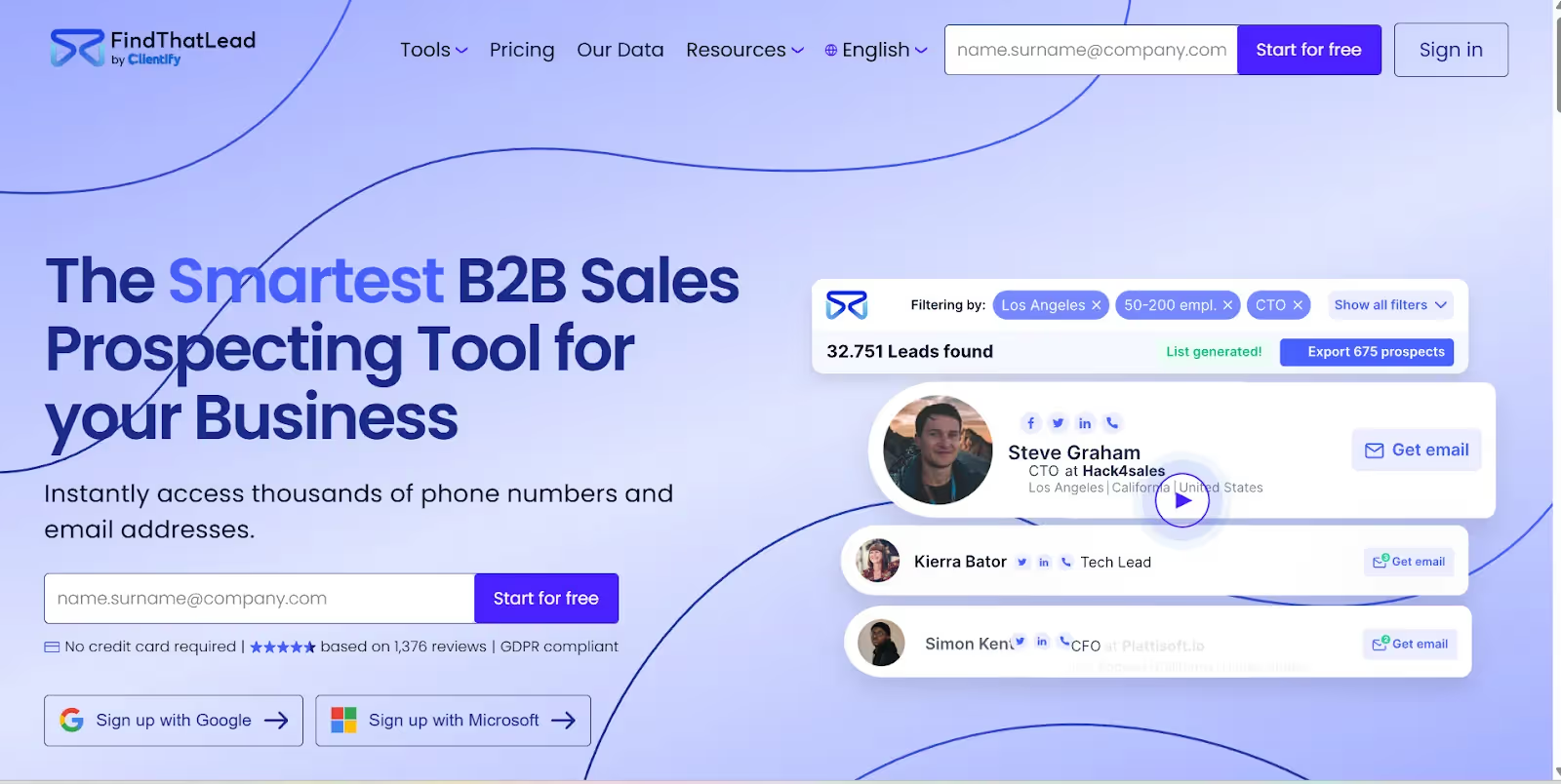
FindThatLead is a popular email finder tool that helps you discover thousands of business email addresses by entering a person’s name, industry and job title. It also offers domain search, LinkedIn search extensions, and email verification and is GDPR compliant.
Best for: Small businesses and sales outreach.
2. Hunter
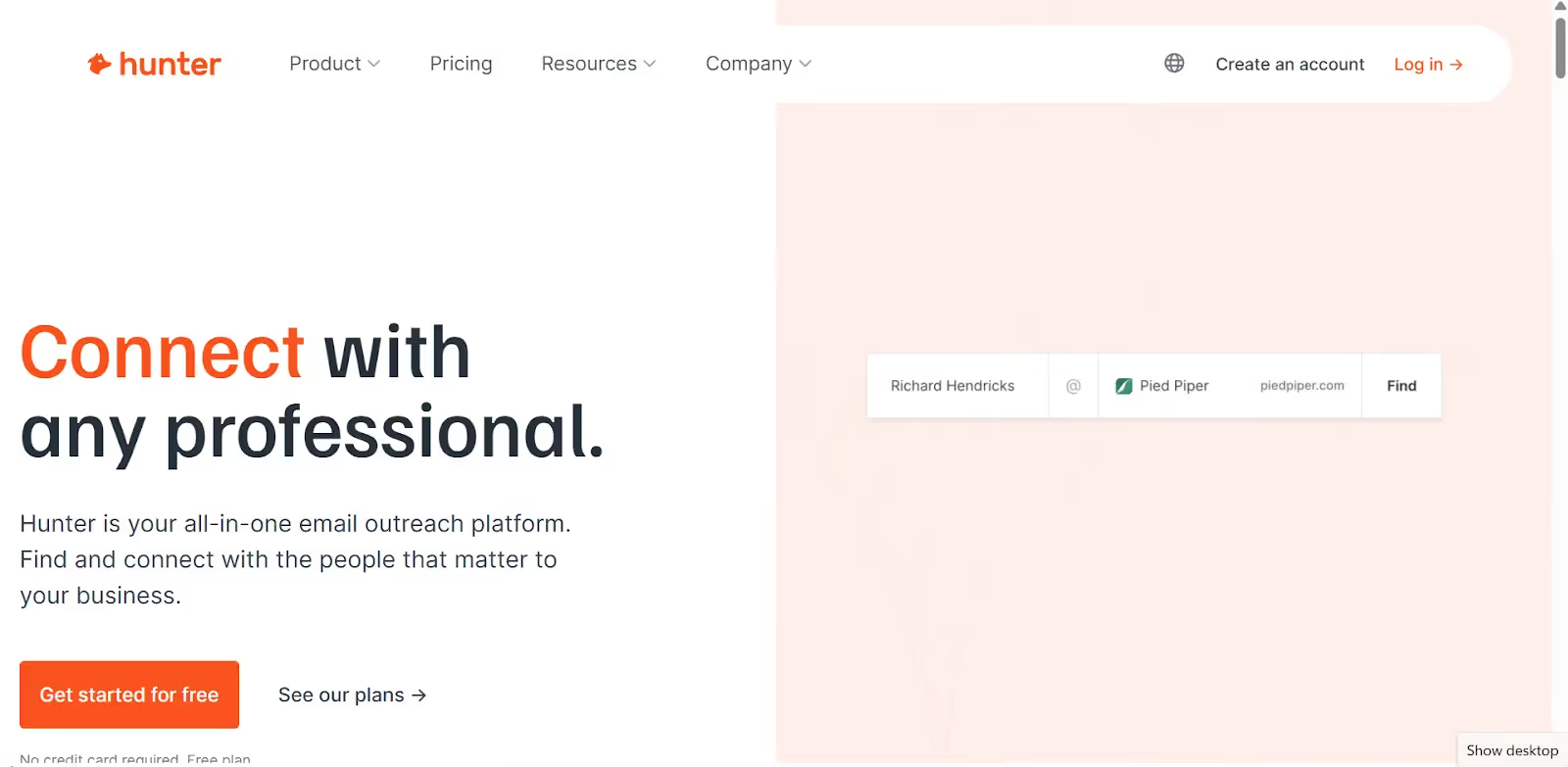
Hunter is among the widely used email finder tools. It allows users to search for email addresses using a person’s name and company domain, and also offers domain-level searches to discover multiple emails from a single organization.
Best for: domain-based email discovery
3. Snov.io
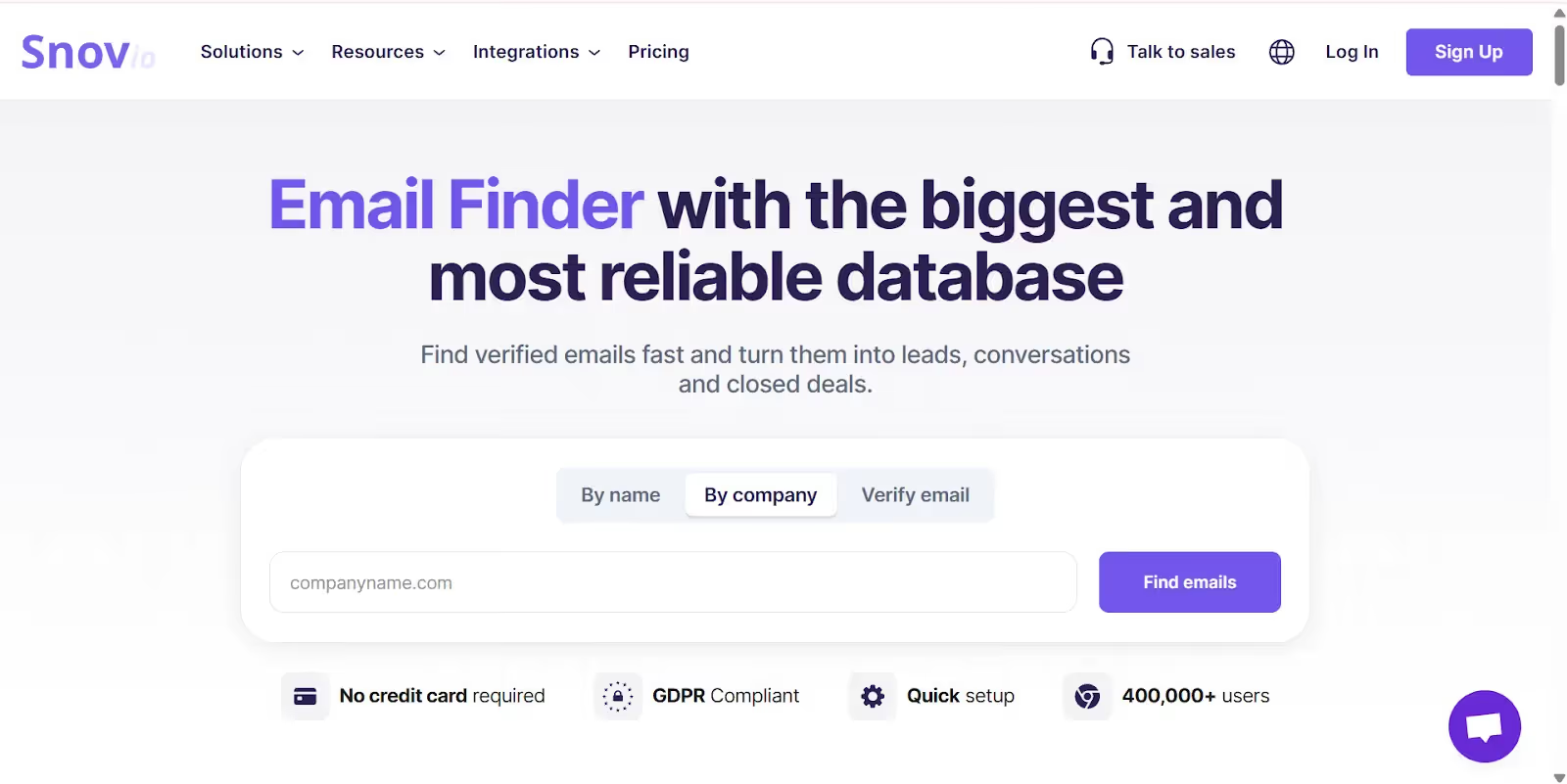
Snov.io focuses on email discovery combined with an email verifier and cold email outreach. It is popular among sales and outreach teams that need additional context, such as job titles and company details. With this tool, you can find someone’s email using a database search from publicly available business data.
Best for: Structured outreach and lead research
4. RocketReach
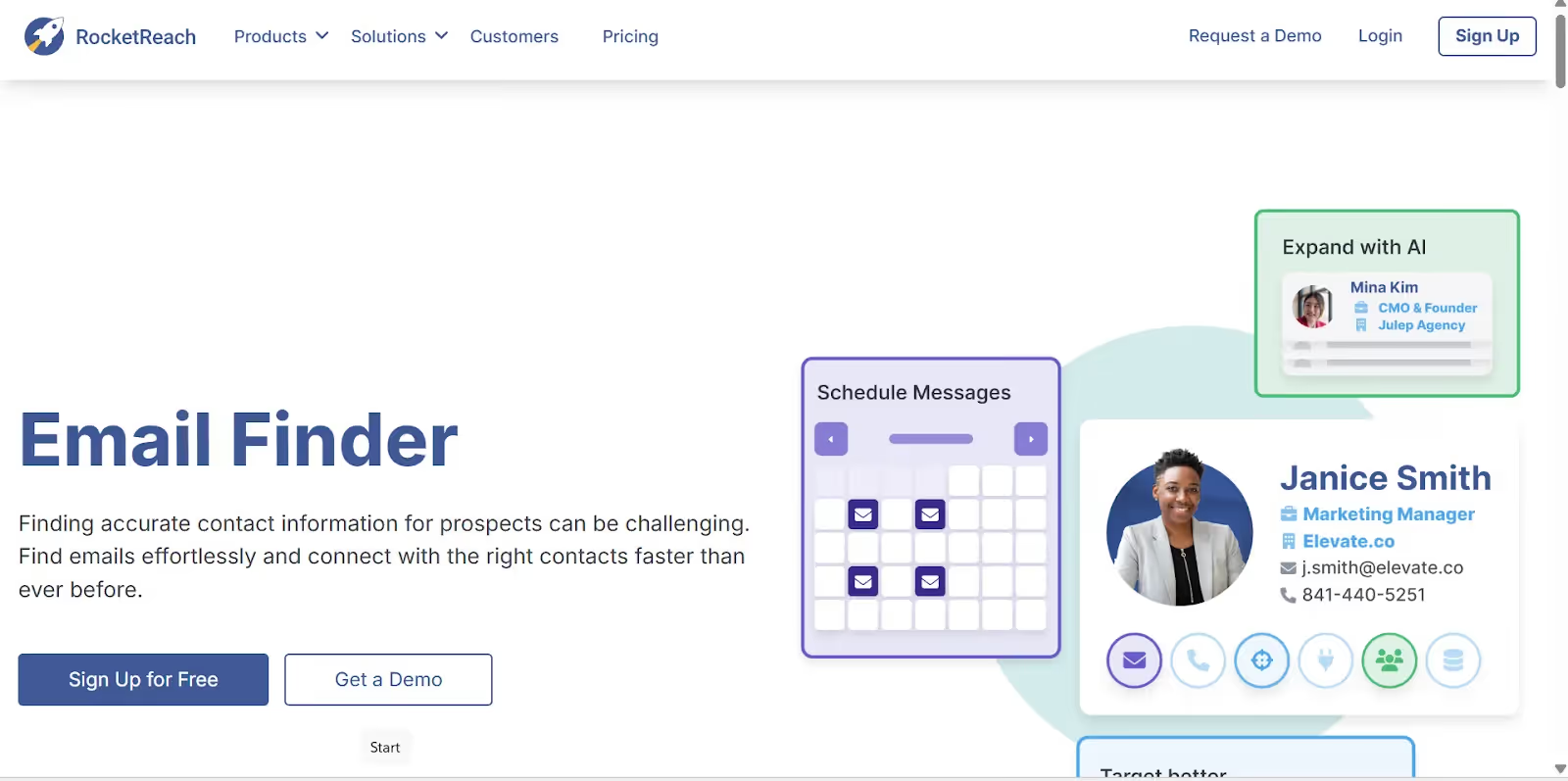
RocketReach provides access to a large database of professional contacts across industries with 700M profiles. It is your simplest answer to how to find someone’s email for enterprise-level research, but it can also support individual lookups.
Best for: Enterprise contacts and larger organizations
5. Voila Norbert
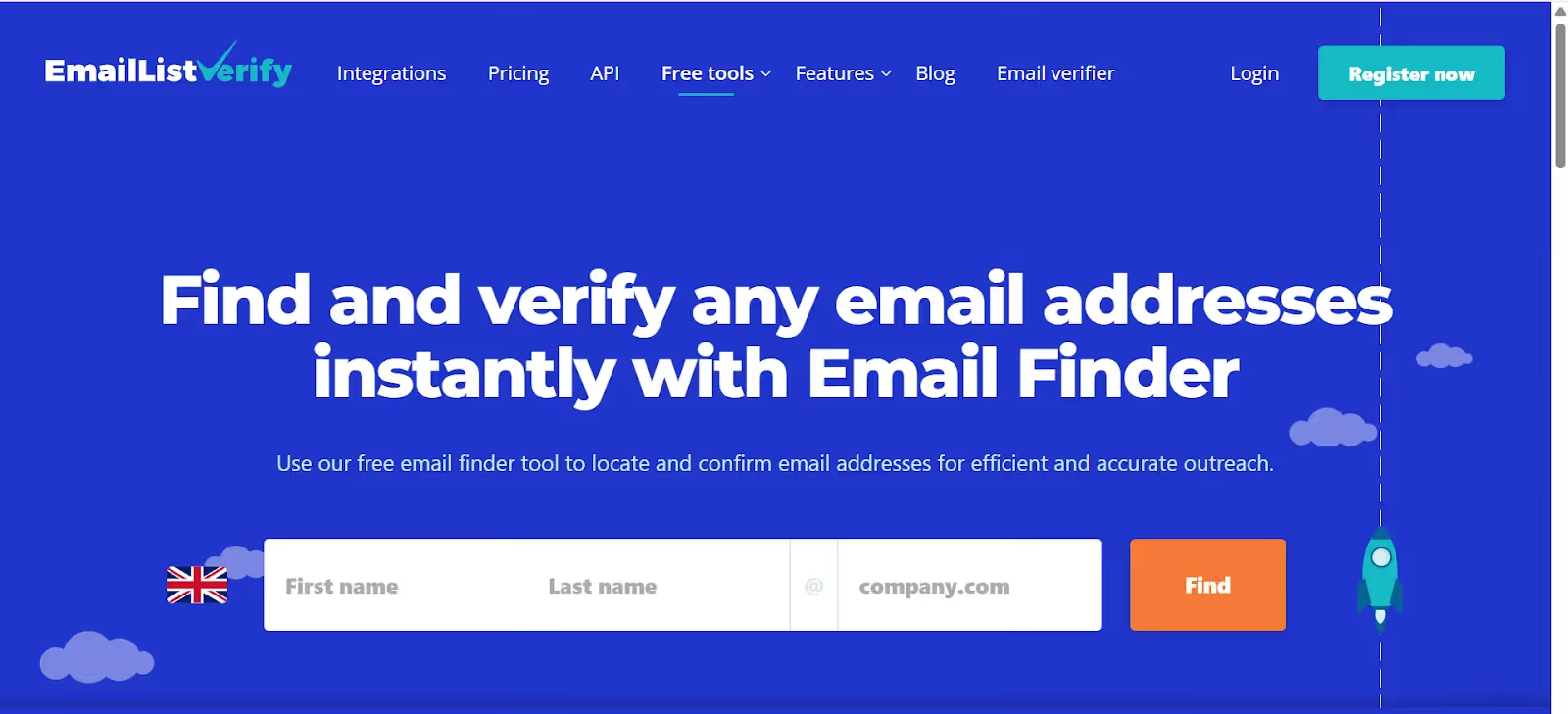
Voila Norbert is a simple email finder that focuses on individual lookups rather than bulk discovery. It is useful when you only need to find a small number of email addresses quickly. It is free to use and a good start for solopreneurs and early entrepreneurs.
Best for: One-off searches
Avoid These Common Mistakes When Finding an Email Address
An email address is discoverable, but if you rush through it, it is quick to get wrong. Small mistakes can cost you with bounced emails, compliance issues, or damage to your sender reputation. Understand what to avoid and make your outreach accurate and ethical from the start while searching for solutions on how to find someone’s email.
1. Avoid scraping gated or private databases
Scraping data behind logins or restricted access can be a violation of platform terms and data-protection laws. Unauthorized data collection may get you in trouble, such as account suspension, legal penalties, or regulatory action.
2. Avoid purchasing bulk email lists
Purchased lists do not meet consent requirements and are outdated. It leads to high bounce rates. Most email service providers restrict their use, and regulations like GDPR and CAN-SPAM impose penalties for non-compliant outreach.
3. Avoid guessing email addresses without verification
Guessing email formats works, but without verifying them increases bounce rates and harms deliverability. Repeatedly sending emails to invalid addresses signals poor list hygiene to email providers. It reduces inbox placement for future emails.
4. Avoid sending generic or irrelevant outreach
Even though the email address is valid, irrelevant or generic messages get ignored or marked as spam. Low engagement and spam complaints negatively affect sender reputation and reduce the effectiveness of future outreach.
What’s Next: How to Connect After You Find Someones Email?
Half of your job is done once you find the email address of the person/company/customer you are looking for. But what’s next? How will you connect to that email address?
If you are thinking of connecting with a generic email address, then there is ahigh chance that your mail might get ignored or may land in the spam inbox of the recipient. So, the best option is to reply with a professional email address consisting of content that immediately catches the recipient’s attention.
Here’s how Neo Mail can help you in creating a professional email address and generating engaging content using AI:
- Visit the Neo’s website and click on ‘Get Started’.
- Enter the domain name of your choice. If you have an already existing domain, you can click on ‘Use a domain I own’. Or else type in the preferred domain name. Neo Mail will add a free (.co.site) extension to it after checking the availability.
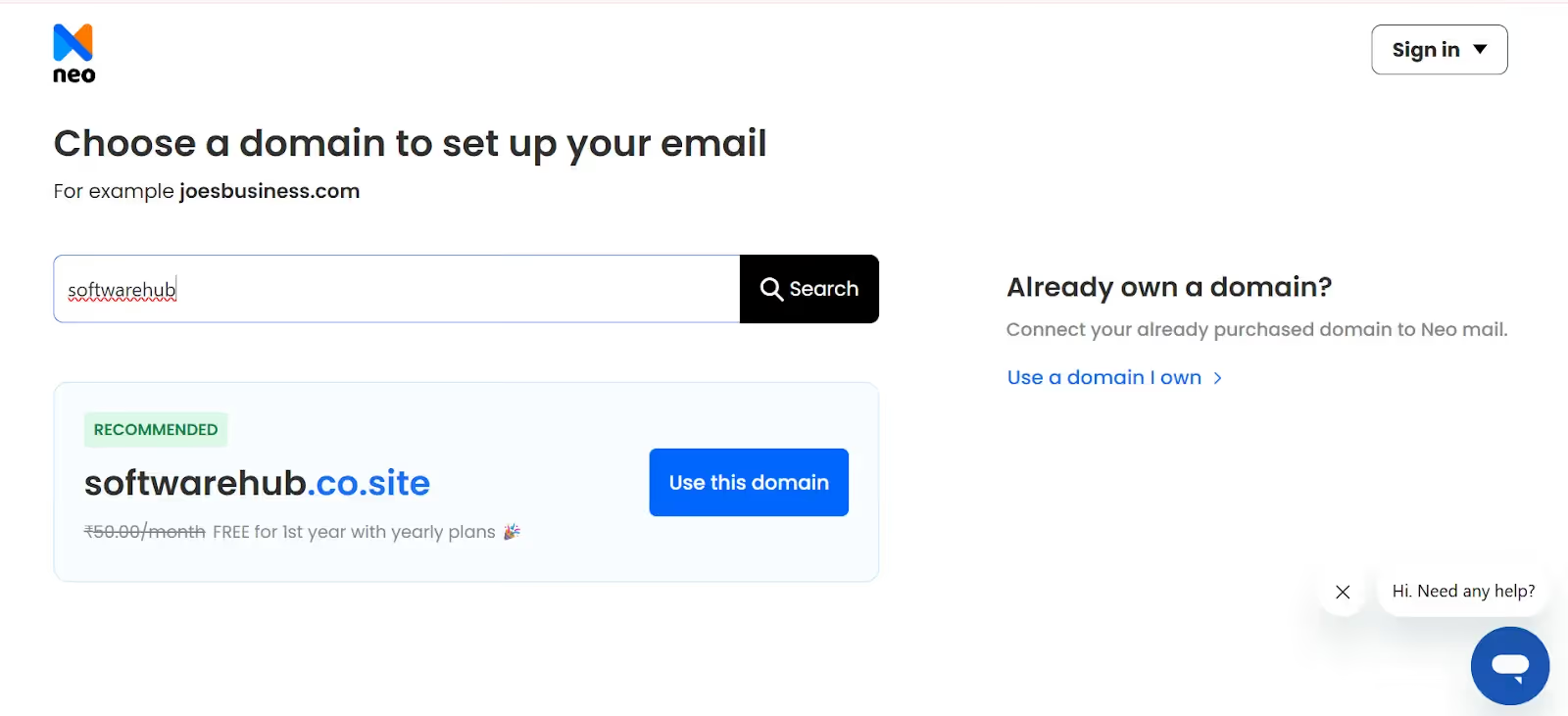
- Once you click on ‘Use this domain’, it will take you to the customer account creation page. Enter all the mandatory details and create a customer account.
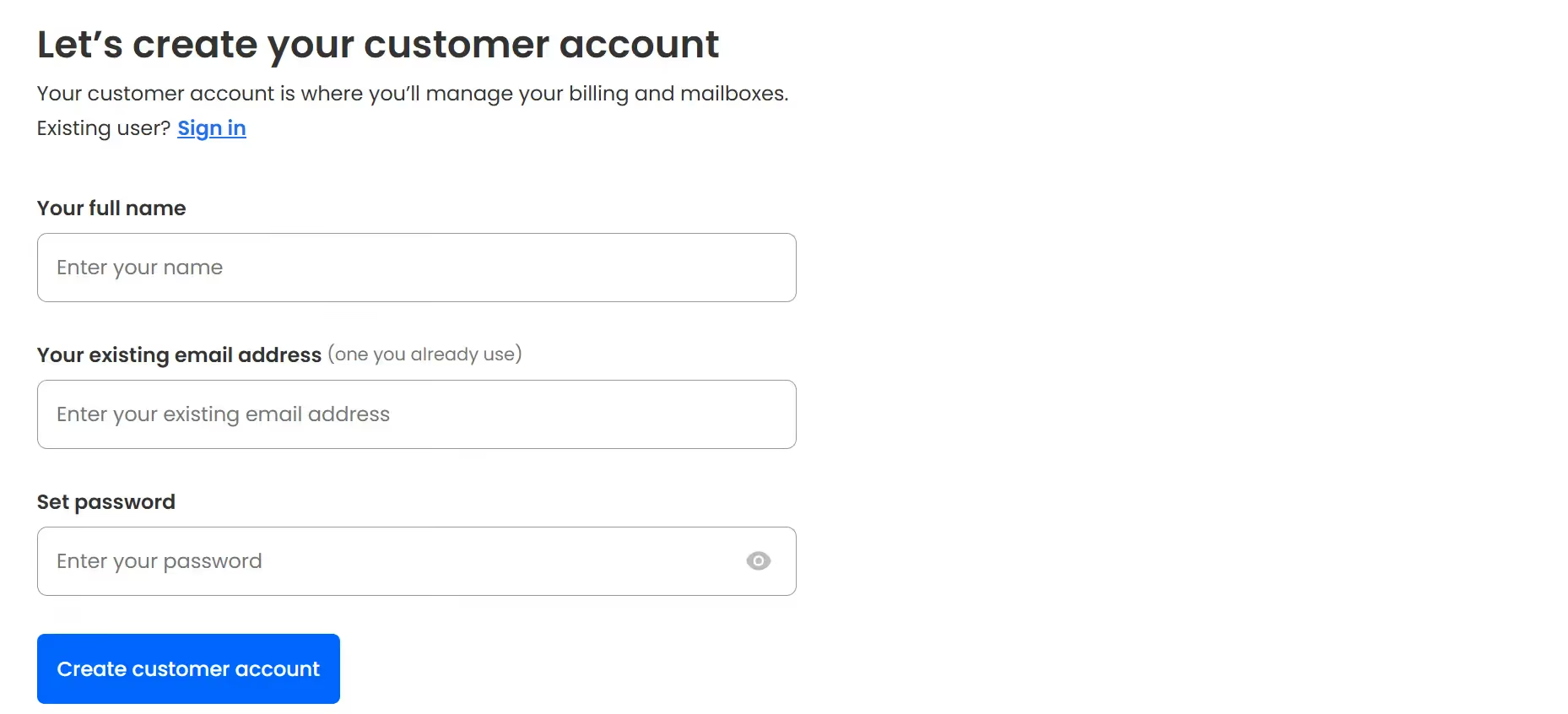
- After you have created the customer account, select the pricing plans according to your preferences. Once this is done, you can create your admin email address like yourname@businesname.co.site and also email addresses for your different teams like sales@, customersupport@, etc.
Now that you are ready with your professional email address, you can use Neo’s AI Smart Write to create tailored content for your emails to connect with your potential recipients. Further, you can track and manage your emails using Neo’s capabilities like email tracking, read receipts, email rules, priority inbox, etc.
Neo’s potential is not limited to email addresses only; it also provides Neo Site, which allows businesses to create quick, branded, and beautiful AI websites for their business. Further, these websites can also be customized to fonts, colors, layouts, templates, etc.
Final Thoughts
If you want to survive in a professional world, learning how to find someones email is a necessary skill. But doing it ethically and intelligently matters as much. So, combine manual search, intelligent verification, and smart email finding tools to discover accurate email addresses without any complications.
Further, increase your chances of email responses with professional emails with custom domains and branded websites that add credibility to your digital presence.
FAQs
1. Is it legal to find someone’s email address?
Yes. Finding a business email address is acceptable when it is publicly available and used for legitimate business communication. Avoid personal email addresses, honor opt-out requests, and follow regulations such as GDPR and CAN-SPAM.
2. What is the safest way to find an email address?
When you start to find someone’s email, begin by checking company websites, professional profiles, and published content. When required, use email finder tools and verify the address before sending. This reduces bounce rates and lowers compliance risk.
3. Are free email finder tools reliable?
Free tools that can help you find someone’s email can work for occasional searches, but their data is often limited or outdated. For regular outreach, paid tools usually offer higher accuracy and built-in verification.
4. Should I email someone without prior permission?
In a business context, outreach is acceptable when the message is relevant to the recipient’s role and states the reason for reaching out. Keep the tone professional, include an opt-out option, and stop outreach if requested.
Get Business Email
No domain name required
Get a Professional Email
With Neo!
