


.svg)
.svg)
.svg%201.svg)



Get Business Email
No domain name required
Gmail Alternative
Get Neo today!

The best free Gmail alternatives for small businesses in 2026 include Neo Mail, Proton Mail, Outlook, Zoho Mail, Tuta, Fastmail, iCloud Mail, Titan Email, Mailfence, and HEY. The right option depends on whether you need a custom domain email, a free personal inbox, stronger privacy, more storage, AI tools, email backup, or better integration with your existing business software. This guide compares each provider’s key features, free plan availability, business email support, and limitations.
- Neo Mail: Best for small businesses that want a business email without a domain and built-in AI tools in one simple platform.
- Proton Mail: Best for users who care most about privacy, encryption, and keeping their email activity away from ad-based ecosystems.
- Outlook: Best for businesses already using Microsoft tools and looking for email that works smoothly with Office, OneDrive, and Teams.
- Zoho Mail: Best for very small teams that need basic custom domain email and already use other Zoho business tools.
- Tuta: Best for privacy-focused users who want encrypted email and calendar tools without relying on Google or Microsoft.
- Fastmail: Best for professionals who want a fast, private, ad-free inbox with custom domains and flexible organization.
- iCloud Mail: Best for Apple users who want email that syncs easily across their iPhone, iPad, Mac, and iCloud account.
- Titan Email: Best for businesses that prefer to buy professional email through their hosting provider or domain registrar.
- Mailfence: Best for users who want OpenPGP encryption, digital signatures, and privacy-focused email with basic productivity tools.
- HEY: Best for people with busy inboxes who want newsletters, receipts, and important messages separated automatically.
Why do businesses consider options other than Gmail?
Gmail works well for most people, but when you run a business, your email needs are different.
A personal Gmail address might be fine when you’re starting out. But as your business grows, email becomes more important in your daily work and shapes how customers view your business.
Businesses start looking for free Gmail alternatives when they need:
- A business email address that fits the business domain and/or website
- Pricing that stays manageable as the team grows and the business scales
- An easy way to move old emails, contacts, archives, and calendars
- Strong spam protection and reliable email delivery
- Backup and recovery options for important business emails
The best option depends on whether you need a simple personal inbox or a full business email service.
Best Free Gmail Alternatives for small businesses
1. Neo Mail (Best free Gmail alternative for small businessess
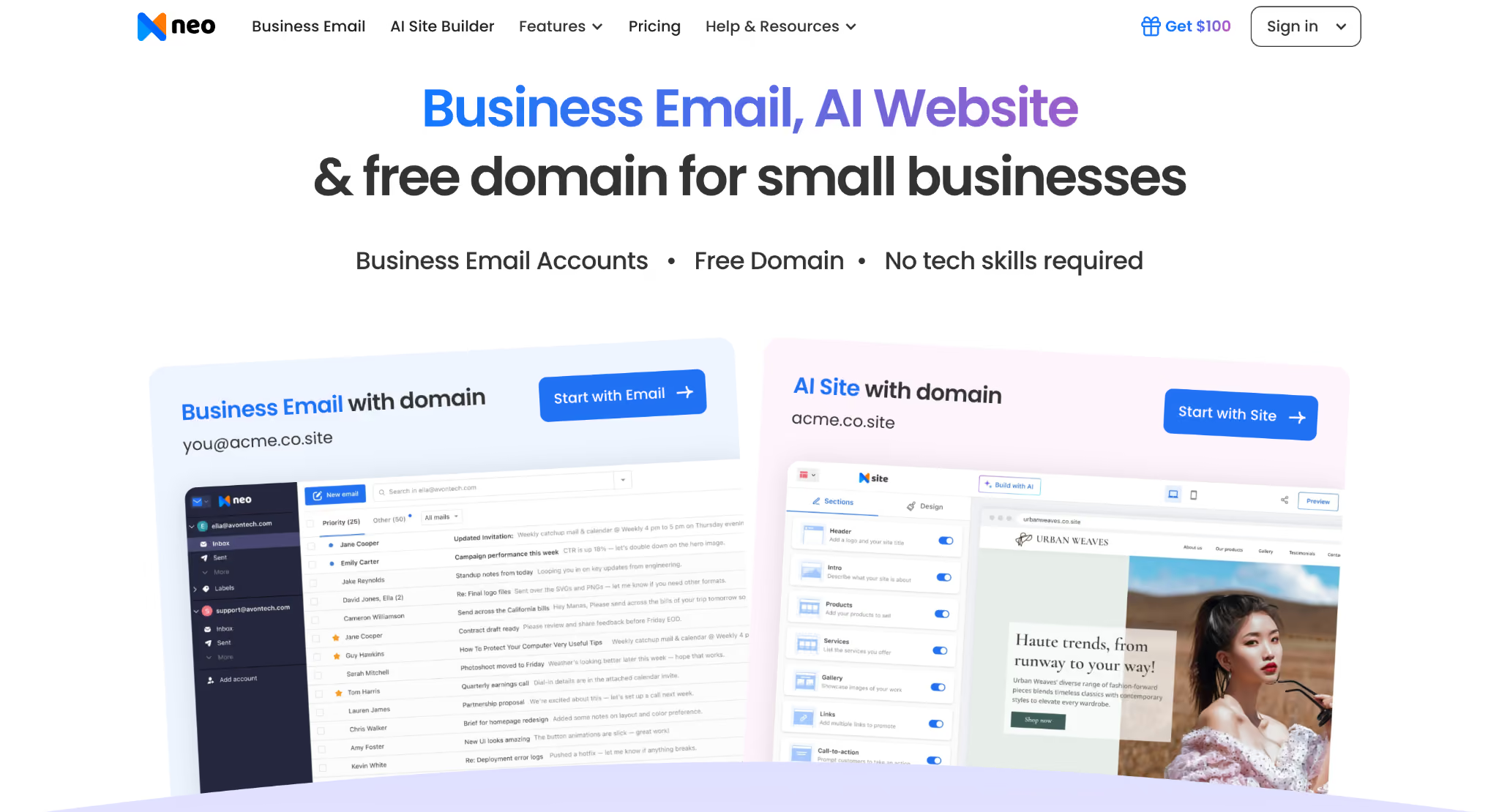
Neo Mail is designed for small businesses, freelancers, and teams who want more than just a basic inbox. You can create a business email without a domain, since some plans include one. Features include an AI email writer, email summaries, read receipts, file storage, email backup, and mobile apps.
Best for
Freelancers, consultants, creators, service providers, startups, and small teams who want a professional email with built-in tools to connect with customers.
Pros
- Custom domain email for individuals and small teams
- Business email without domain option
- Free AI website builder
- Webmail with native apps for iOS and Android
- AI email writing and thread summaries
- Read receipts and follow-up reminders
- One-click Gmail email and contact import
- Automatic daily email backup
- Neo Drive for storing and sharing business files
- 24/7 customer support
Limitation
Neo Mail does not include a full office suite for creating and working together on documents, spreadsheets, or presentations.
2. Proton Mail (Best free Gmail alternative for privacy-focused teams)
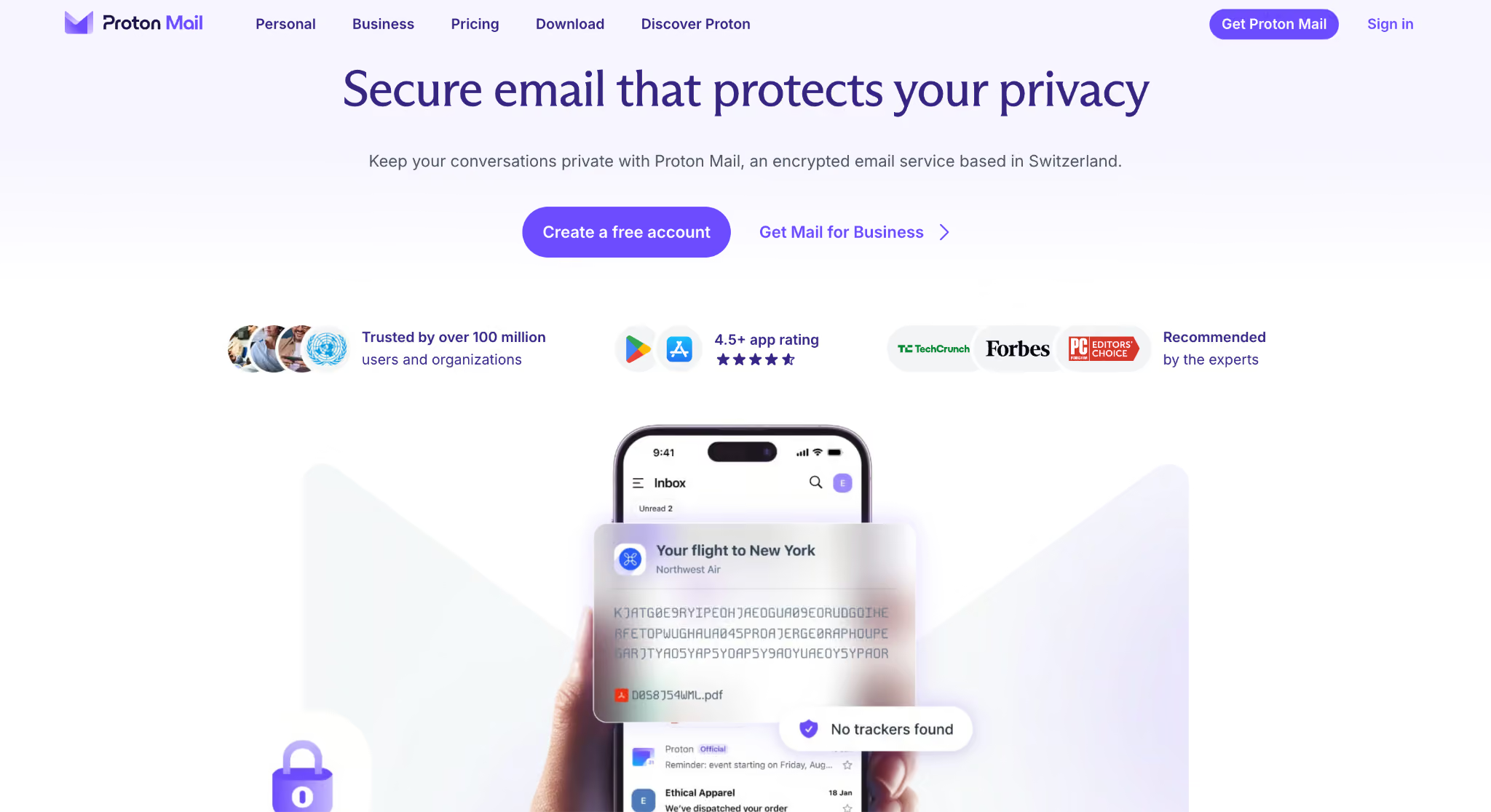
Proton Mail is a good choice for Gmail users who want to move their messages to a secure platform. It has a tool that helps you quickly transfer calendar events, emails, and contacts from Gmail or other email services. Proton Mail also connects with desktop email apps like Outlook and Apple Mail, so you can access your email from anywhere, including your phone or laptop.
Best for
Individuals, journalists, professionals, and anyone looking for a private, encrypted alternative to Gmail.
Pros
- End-to-end encryption for emails between Proton users
- Encrypted storage that Proton cannot read
- Password-protected emails for non-Proton users
- Easy import of emails, contacts, and calendars
- Email aliases that hide your main address
- Custom domain email on paid plans
Limitation
The free plan does not include custom domain email, and you need a paid plan to use Proton Mail Bridge with desktop email apps.
3. Outlook (Best free Gmail alternative for Microsoft Users)
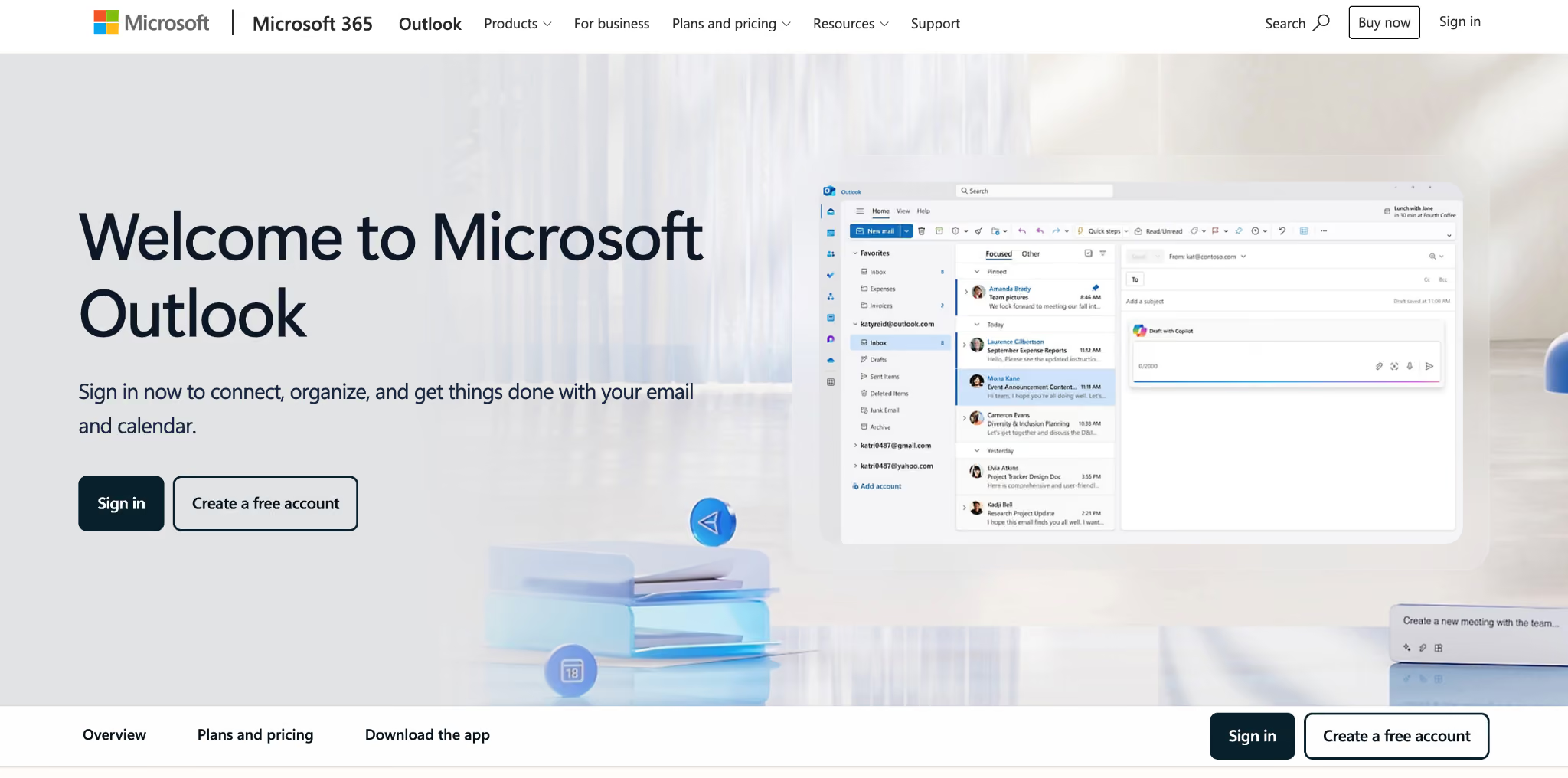
Outlook.com is another popular alternative to Gmail. It’s a good fit for users who want lots of storage and easy integration with other accounts. Outlook also offers productivity tools to help you remain organized and manage your tasks.
Best for
Windows users, students, families, Microsoft 365 customers, and businesses that already use Word, Excel, OneDrive, or Teams.
Pros
- 15 GB of free Outlook mailbox storage
- Email and calendar in one place
- Focused Inbox highlights important messages
- Sweep and rules automatically organize emails
- Free web and mobile versions of Word, Excel, and PowerPoint
- 5 GB of OneDrive cloud storage
- Microsoft 365 Business adds custom domain email and team controls
Limitation
The free Outlook inbox shows ads. You need a Microsoft 365 subscription to remove them.
4. Zoho Mail (Best free Gmail alternative for teams with basic email needs)
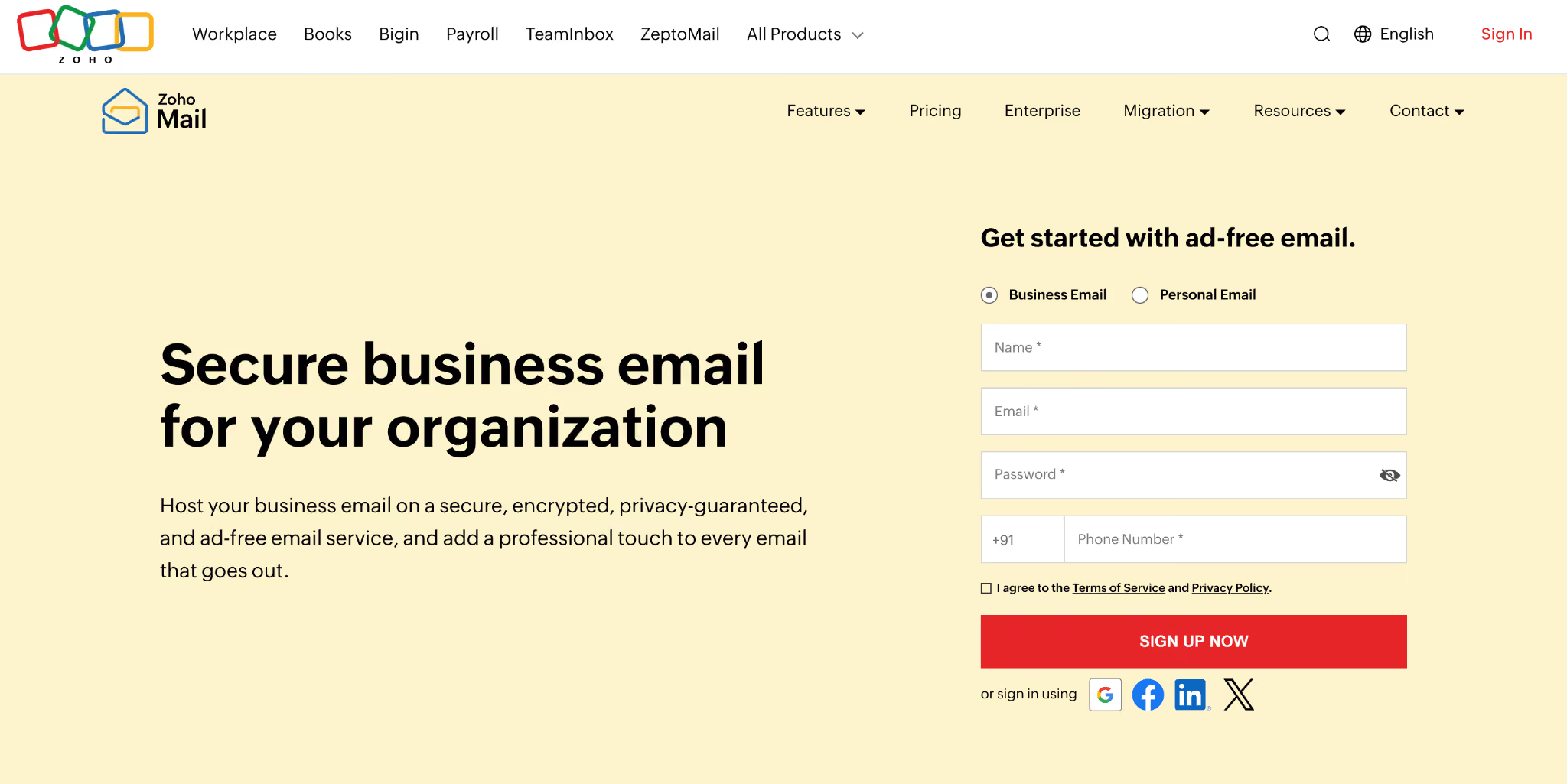
Zoho Mail is an ad-free email service for individuals and businesses. The free plan lets you use one custom domain and supports up to five users in some data centers. Paid plans add desktop access, more storage, retention tools, admin features, and better integration with other Zoho apps.
Best for
Very small businesses that need free custom domain email, and teams who already use Zoho products.
Pros
- Free custom domain email is available in select data centers.
- Supports up to five users with 5 GB of storage each.
- The inbox is completely ad free.
- Streams lets teams comment and collaborate on emails.
- Calendar, Tasks, Notes, Contacts, and Bookmarks are built in.
- Works smoothly with Zoho CRM and other Zoho apps.
- Mobile apps are available for both users and admins.
Limitation
The free plan does not support IMAP, POP, or ActiveSync, so you cannot connect it to most third-party email apps.
5. Tuta Mail (Best free Gmail alternative for encrypted email)
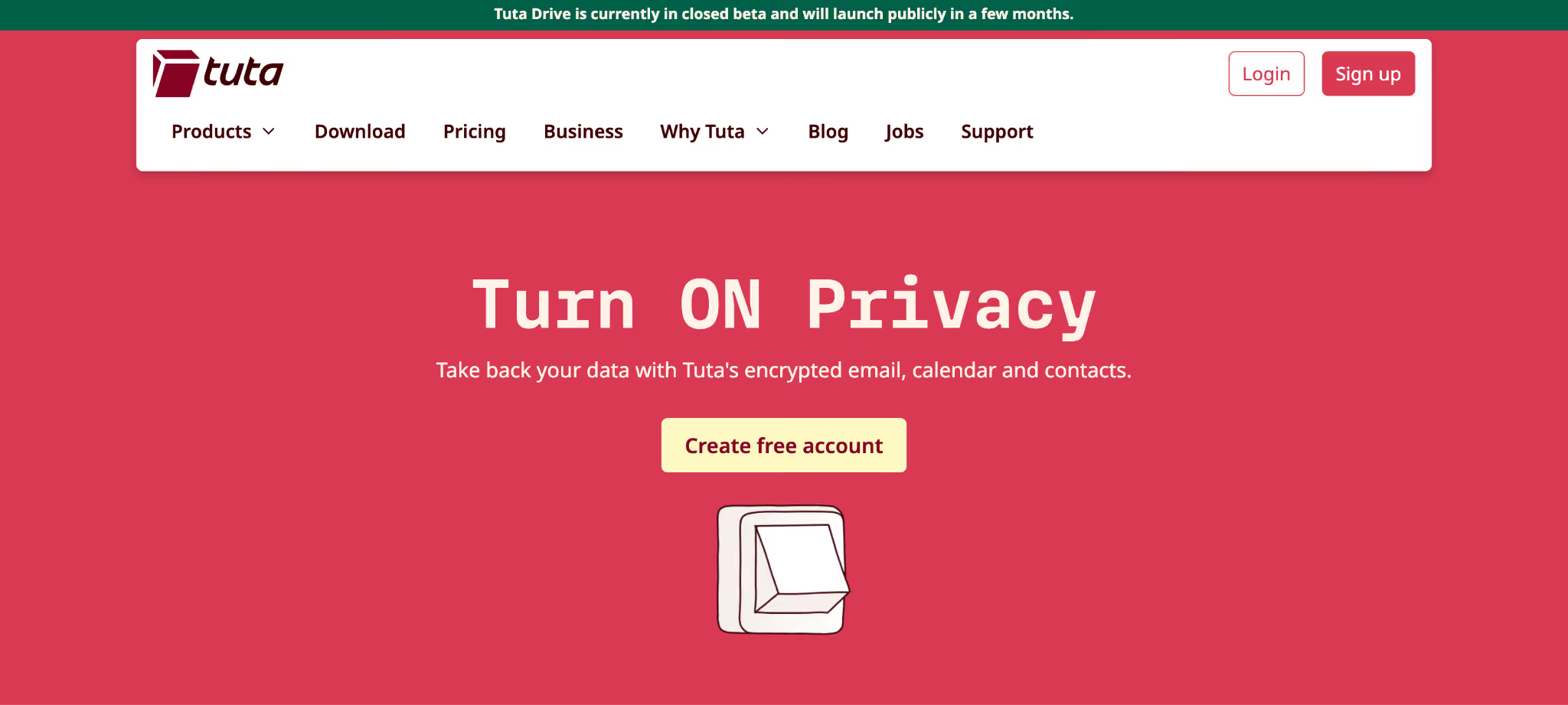
Email privacy has become a big concern in recent years. Many people are moving away from big tech email providers like Google because these platforms share data with third parties. This makes Gmail alternatives like Tutanota a popular selection for businesses and individuals.
Best for
Personal users who want encrypted email and calendar tools without depending on Google or Microsoft.
Pros
- Free plan with 1 GB of encrypted storage
- Encrypted calendar and notifications
- Encrypted contact storage
- Password-protected emails for external recipients
- Open-source email apps
- Servers powered by renewable energy
Limitation
Tuta does not support standard IMAP, POP, or SMTP, so you need to use Tuta’s own apps.
6. Fastmail (Best free Gmail alternative for a clean inbox)
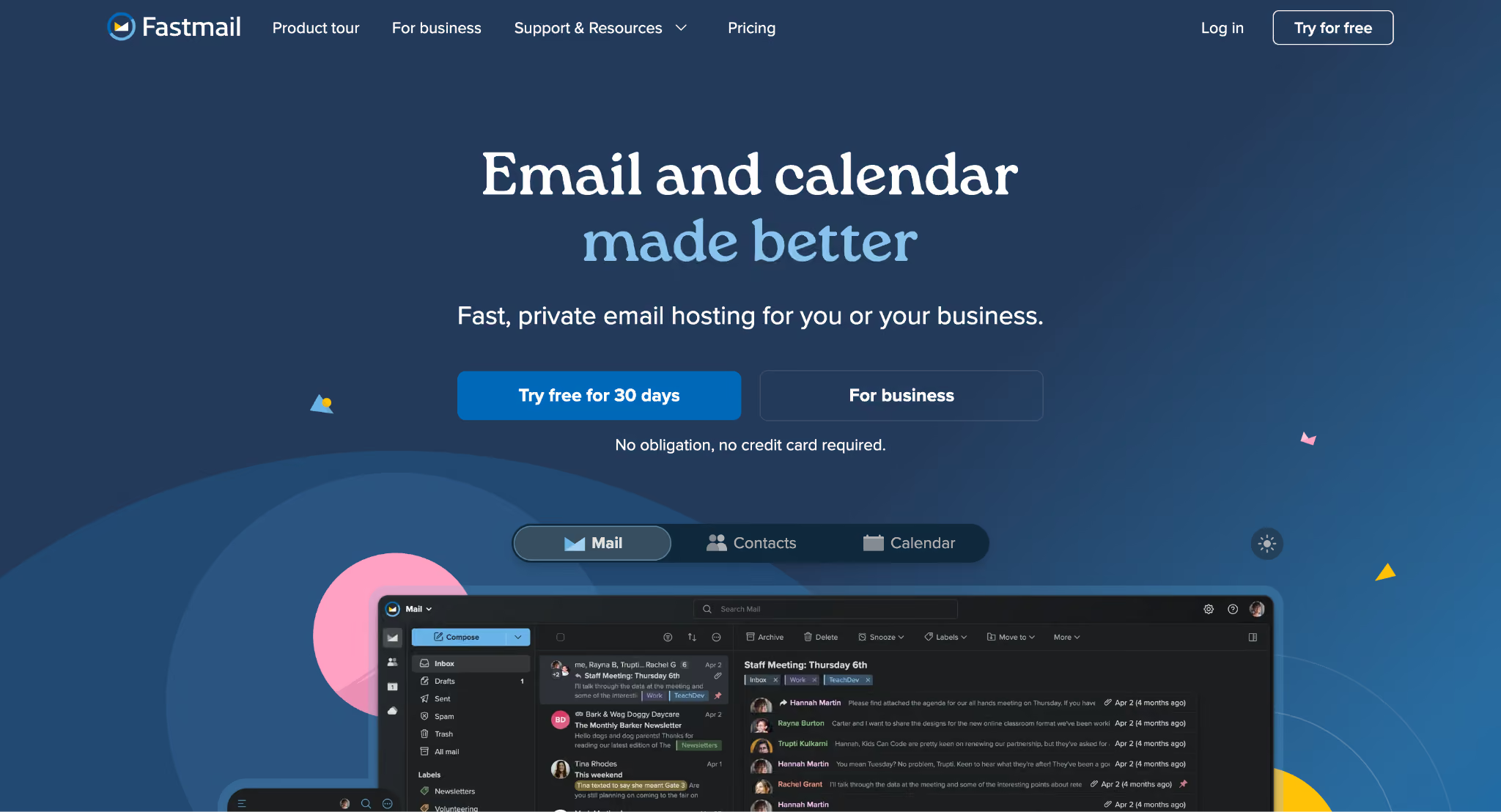
Fastmail is a quick platform that employs simple HTML. You can use it without ads, cookies, or Javascript, so your inbox stays fast. Fastmail offers many of the same features as Gmail, like labels, spam filtering, and automation.
Best for
Professionals, families, and power users who are willing to pay for a fast, private, and organized inbox.
Pros
- No ads or ad-based tracking
- Masked Email keeps your main address private
- Custom domains are available on eligible plans
- Private notes can be added to individual emails
- Scheduled Send and Snooze help manage timing
- Fast synchronizing across devices through JMAP
- 24/7 customer support from real people
Limitation
Fastmail does not offer a permanent free plan, and some business features require a higher-tier subscription.
7. iCloud Mail (Best free Gmail alternative for Apple users)
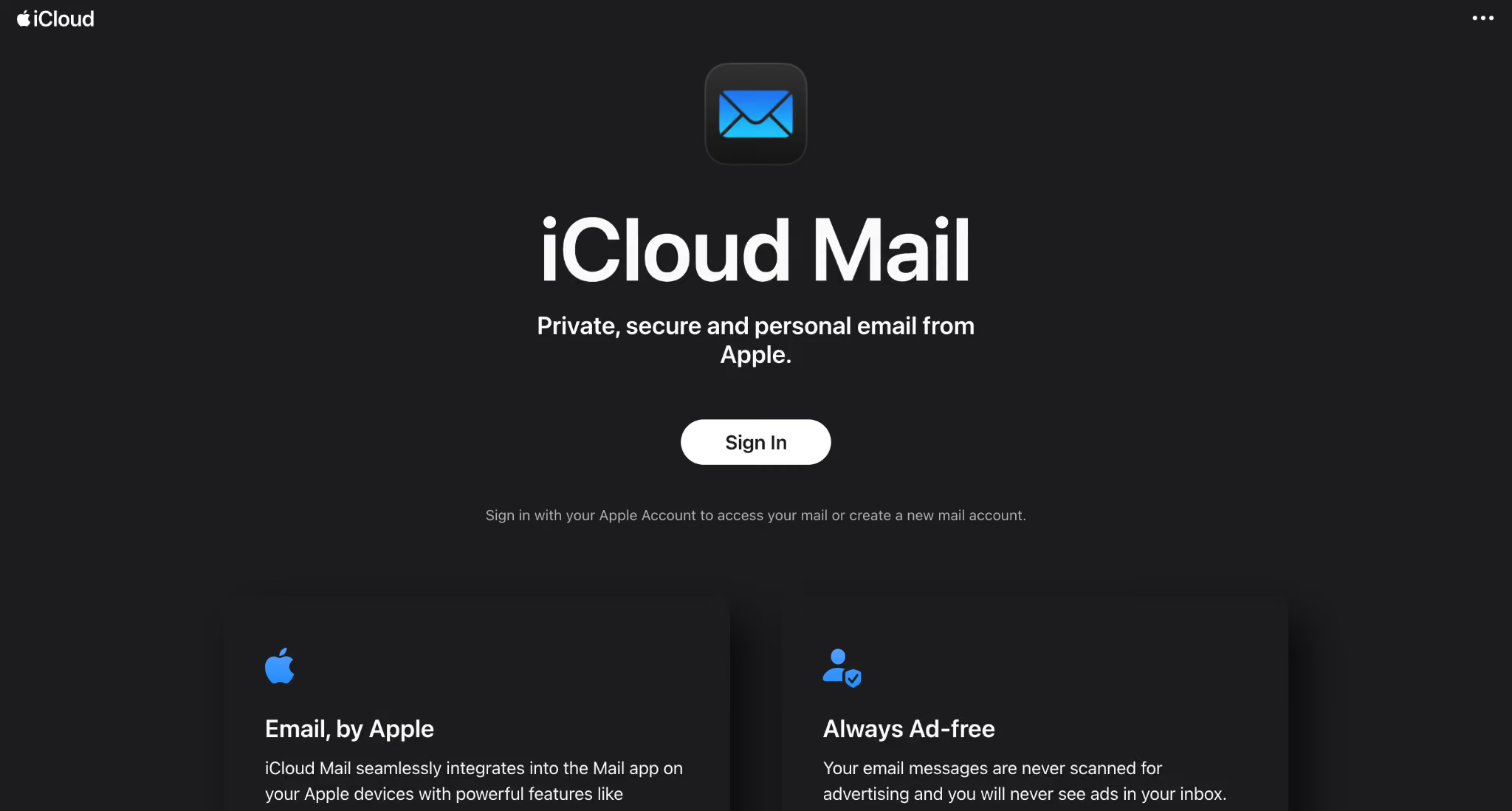
Apple’s iCloud lets you send, receive, and organize email, along with other cloud services, on any device. iCloud Mail works with IMAP, and free accounts come with up to 5 GB of storage. You can send attachments up to 20 MB, or use Mail Drop to send files up to 5 GB. Here are some features of iCloud:
Best for
Individuals and families who already use Apple devices and want email that works smoothly across all their Apple products.
Pros
- Syncs email across iPhone, iPad, Mac, and iCloud.com
- Supports custom domain email with iCloud+
- Hide My Email creates private forwarding addresses
- Mail Drop helps send large email attachments
- iCloud+ storage can be shared with family members
- Includes built-in spam and phishing protection
- Works on Windows through iCloud for Windows
Limitation
The free 5 GB of storage is shared with photos, files, backups, and other iCloud data, so it could fill up quickly.
8. Titan Email (Best free Gmail alternative for teams buying email through a hosting provider)
Titan Email is a strong Gmail alternative if you want a custom email address for your business. It helps small businesses build their brand and connect with customers by offering email at your own domain and features that boost productivity.

Best for
Small businesses, professionals, and website owners who want to get business email from the same domain registrar, hosting company, or online platform they already use.
Pros
- Custom domain email through Titan partners
- Email bundled with domains or hosting
- Read receipts for supported emails
- Reusable email templates
- Send Later for scheduled emails
- Follow-up reminders for unanswered emails
- AI writing help with Smart Write
Limitation
You cannot buy Titan Email directly, so pricing, storage, plan names, and features depend on the partner you choose.
9. Mailfence (Best free Gmail alternative for OpenPGP)
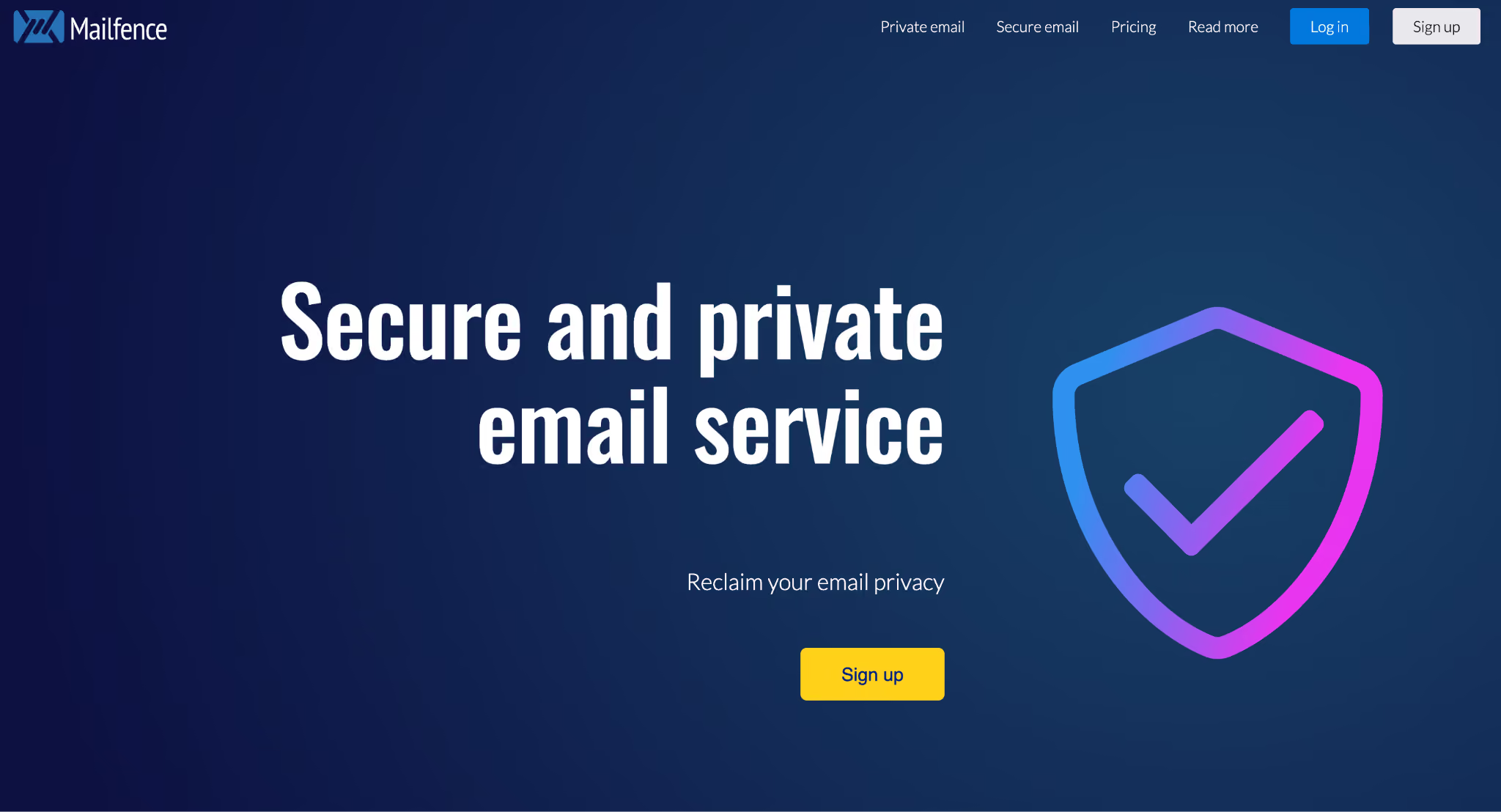
Mailfence is a secure alternative to Gmail, aimed at users who want to protect their information and data. The best part is that Mailfence does not track user activity. It uses end-to-end encryption, multi-factor authentication, and non-US SSL/TLS certificates.
Best for
Users who are familiar with or want to use OpenPGP encryption and digital signatures, along with basic productivity tools.
Pros
- OpenPGP protects emails with end-to-end encryption
- Digital signatures help confirm who sent the email
- Users can create and manage encryption keys online
- Email, calendar, contacts, and documents are available in one place
- Mailfence does not show ads or track users for advertising
- Mailfence is based in Belgium and follows European privacy laws
- Paid plans support custom domains and apps using IMAP, POP, SMTP, and ActiveSync
Limitation
The free plan gives you only 500 MB of email storage, which may not be enough if you receive many attachments.
10. HEY (Best free Gmail alternative for managing a high volume of email)
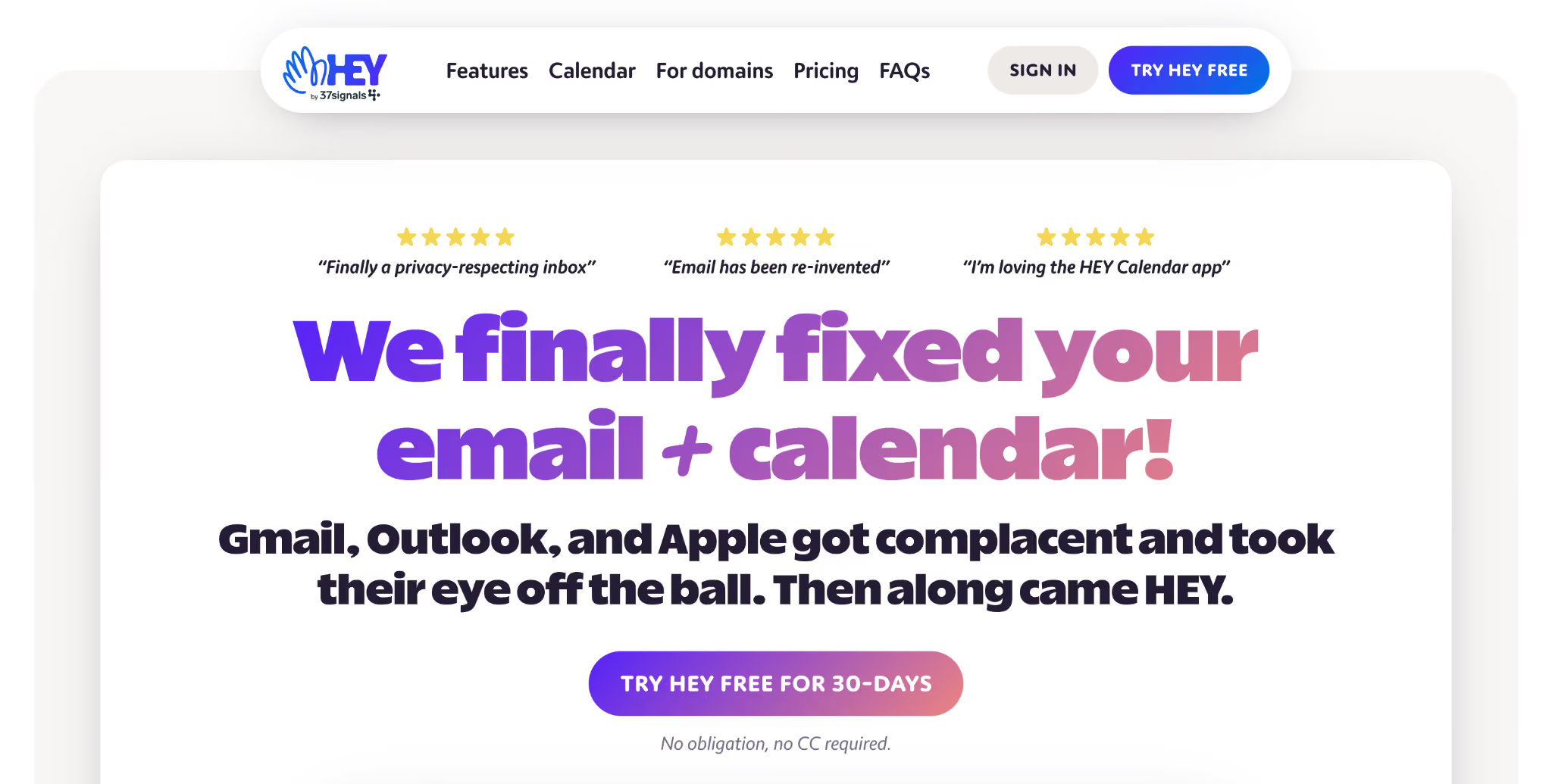
HEY is a good Gmail alternative for users who want an organized, clean inbox. It gives you a focused inbox for important messages, while less important emails go to other folders. You can flag messages as “Reply Later” and check them when you have time.
Best for
People who feel overwhelmed by regular email and want more control over who can reach their main inbox.
Pros
- The Screener lets you decide who can email you
- The Imbox keeps important emails in one place
- Feed feature helps separate newsletters from regular emails
- Paper Trail both stores receipts and order updates
- Reply Later feature helps users remember emails that need a response
- Spy pixel feature helps block email open tracking
Limitation
HEY costs more than most personal email services and requires you to use its unique inbox system.
What to consider when choosing a Gmail Alternative for Small Business?
After you compare the providers, choose the business email provider that fits how you use email every day.
Personal or Business Use
A free personal inbox might be fine for daily email, but businesses usually need a custom domain, team mailboxes, account controls, and reliable support.
Free or Paid Plan
Free plans often limit storage, custom domains, email apps, and support. Make sure you know what’s included before you sign up.
Custom Domain Support
An email with custom domain makes you look more professional. See if you can connect your own domain or get one from the provider.
Email Migration
Switching providers shouldn’t mean losing your old messages or contacts. Look for easy ways to import emails, contacts, and calendars from Gmail.
Storage and Attachment Limits
Make sure your mailbox has enough space for your emails and attachments. Also, check if the storage is only for email or shared with other services.
Security and Email Delivery
Look for spam protection, two-factor authentication, and support for SPF, DKIM, and DMARC. These features help keep your account safe and make sure your emails are delivered.
Backup and Recovery
Archiving an email is not the same as backing it up. Check how often backups heppen and if you can easily restore individual messages.
Useful Email Features
Look for tools that save you time, such as AI writing, email summaries, read receipts, templates, follow-up reminders, and appointment booking.
Pricing as Your Team Grows
Check how the price changes when you add users, storage, or premium features. A low starting price can become expensive as your team grows.
Customer Support
Reliable support is important when email problems affect your customers or daily work. Look for clear setup guides and easy ways to get help when you need it.
Conclusion
The best free Gmail alternative is the one that fits your business needs.
Neo Mail is a strong free Gmail alternative for small businesses that want business email without a domain, plus AI tools, email backup, and support. Proton Mail and Tuta are better for privacy. Outlook is great for Microsoft users, Zoho Mail is best for very small teams, and Fastmail offers a clean, ad-free inbox. iCloud Mail is good for Apple users, Titan Email is available through hosting partners, Mailfence focuses on OpenPGP security, and HEY helps organize busy inboxes.
Your best choice relies on your budget, business needs, security, storage, and how you prefer to manage email.
FAQs
1. How can a business switch from Gmail without disrupting daily email?
Start by moving your emails and contacts, then keep Gmail forwarding active while you switch. Neo Mail, Outlook, Fastmail, and Proton Mail offer migration options that make it easier to switch gradually.
2. Is a free Gmail alternative enough for a growing business?
A free plan might work at first, but storage, custom domains, support, and admin controls are often limited. Neo Mail and Titan Email are built for professional use, while Zoho Mail has a limited free business plan.
3. Which Gmail alternatives offer strong privacy yet without making email difficult to use?
Proton Mail and Tuta focus on encrypted email, while Mailfence supports OpenPGP and digital signatures. Fastmail delivers a more familiar inbox with strong privacy controls.
4. Can a business retain the same email address after moving away from Gmail?
Yes. If your business uses its own domain, you can usually retain the same email address and move your mailbox to another provider. Neo Mail, Outlook, Fastmail, Zoho Mail, and Titan Email all support custom domain email.
5. Does archiving Gmail emails provide the same protection as email backup?
No. Archiving keeps messages in the same mailbox, while backup creates a separate copy you can recover. Neo Mail offers automatic daily email backup with selective restoration.
6. Which free Gmail alternative works best across existing devices and software?
Outlook works well with Microsoft tools, while iCloud Mail fits naturally with Apple devices. Fastmail supports many third-party email apps, Proton Mail uses Bridge, and Tuta needs its own apps.
7. Which free Gmail alternative is better for handling a busy inbox?
HEY separates important emails, newsletters, and receipts. Fastmail offers flexible rules and labels, while Neo Mail adds AI summaries, follow-up reminders, Priority Inbox, and read receipts.
Get Business Email
No domain name required
Gmail Alternative
Get Neo today!
