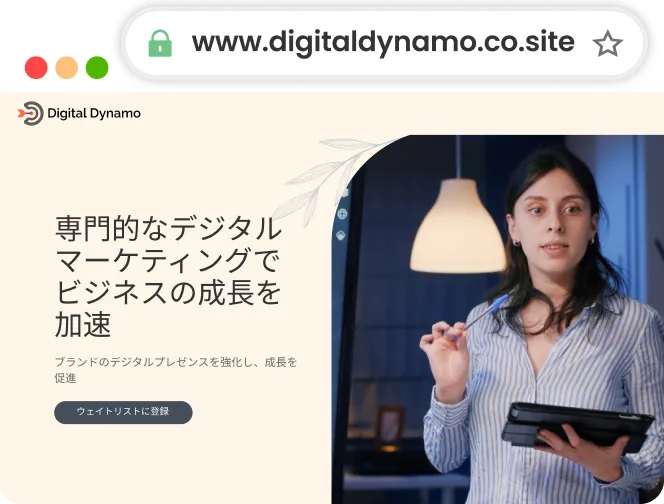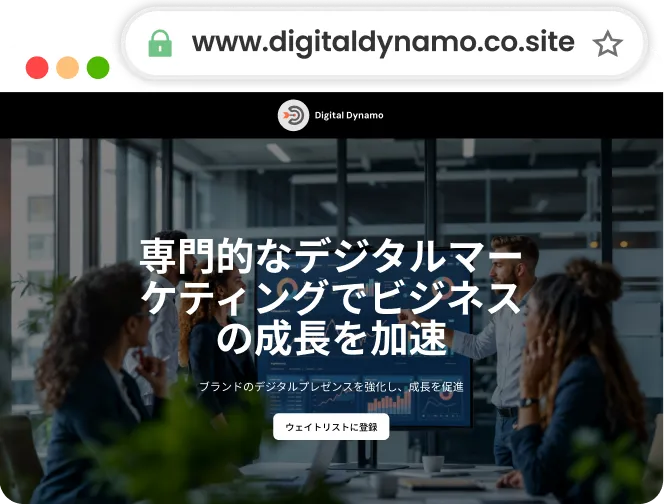
Neo's course website builder - teach, share, and grow

The easiest website builder for educators, coaches, and course creators—online or offline.

Whether you're teaching online, running weekend workshops, or offering one-on-one coaching, Neo helps you create a professional course website so you get taken seriously and don’t have to rely on DMs and Google Forms. With your own website, showcase offerings, collect leads, and build trust.

No code, no complexity—just describe your course and get a fully built site with a free custom domain so you can focus on teaching and not signing up for coding lessons yourself!

How to use Neo’s course website builder

Share about your course

Tell us a little about your discipline/course inclusions to build content.

Let AI work its magic

Neo's AI website creator will generate a stunning website in seconds based on your input.

Tweak and go live

You can further customize the website by signing up for Neo and whenever you're ready, go live!

Best templates for course websites

Why do you need a course website builder?

Make a strong, serious first impression

A clean, well-structured website with your own domain name builds trust with potential learners.

Showcase all course details in one place

Share your course syllabus, schedule, pricing, testimonials, FAQs, and instructor bio—all on one site.

Generate leads or sign-ups

Add inquiry forms, waitlists, or links to your course platform (Zoom, Teachable, Notion, etc.).

Market like a pro

Your website is your round-the-clock salesperson, helping you attract students beyond your current network.

8 tips for creating a course website

Add your instructor bio and vision

Build trust with a short, warm intro—why you teach, what you’ve done, and what students can expect.

Display syllabus, pricing, and schedule upfront

Use simple, scannable sections to explain what students will learn in each module or session. Don’t make people dig; be clear about fees, timings, and what’s included. People tend to walk away if they find many points unanswered or vague.

Use visual proof

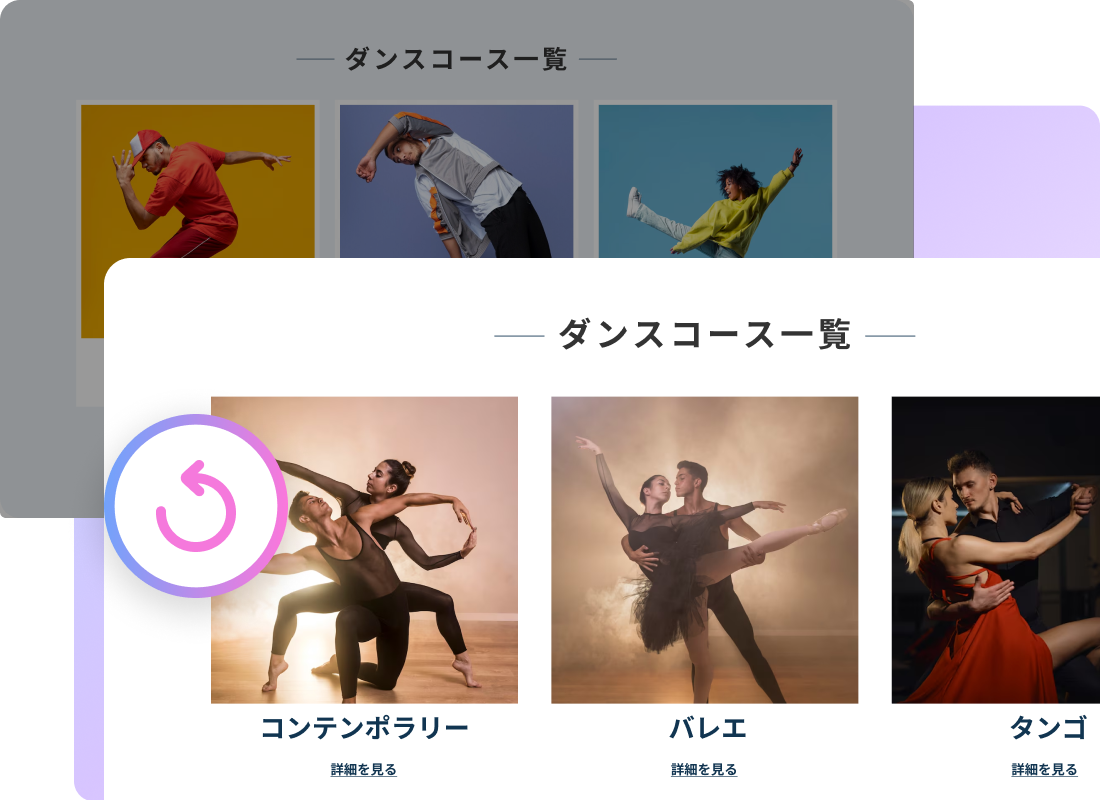
Add photos from past sessions, clips from your lectures, or previews of course materials to give potential students a feeler of your classroom/training style.

Include clear calls-to-action

Guide your website visitors into taking action. Whether it’s “Join the waitlist,” “Schedule demo class,” or “Book a free consult,” make it easy to act.

Update regularly

Keep your course website fresh by updating course inclusions and syllabus and adding new, relevant modules. It signals you’re active, evolving, and with the times.

Leverage Neo's lead-generation tools

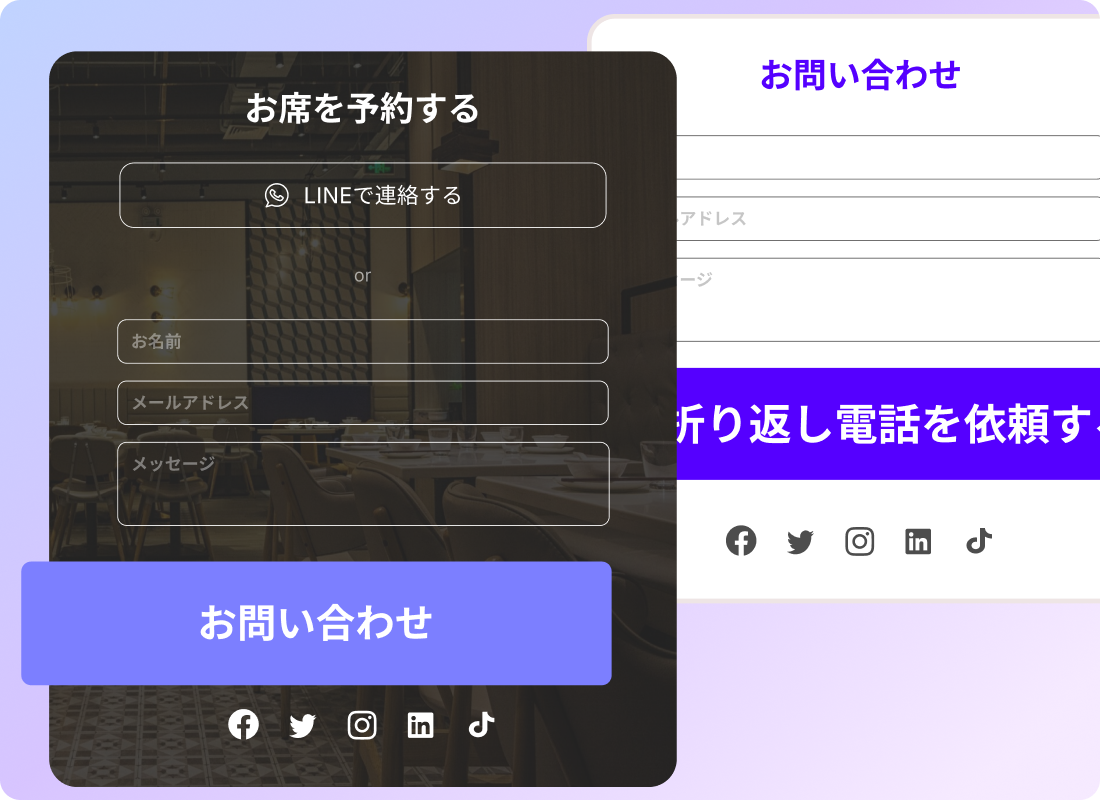
Turn scrollers into students with Neo’s contact forms. These are designed to help capture leads, whether someone wants to discuss specific topics/timings, inquire about pricing, or learn more about your courses.

Include testimonials and student wins

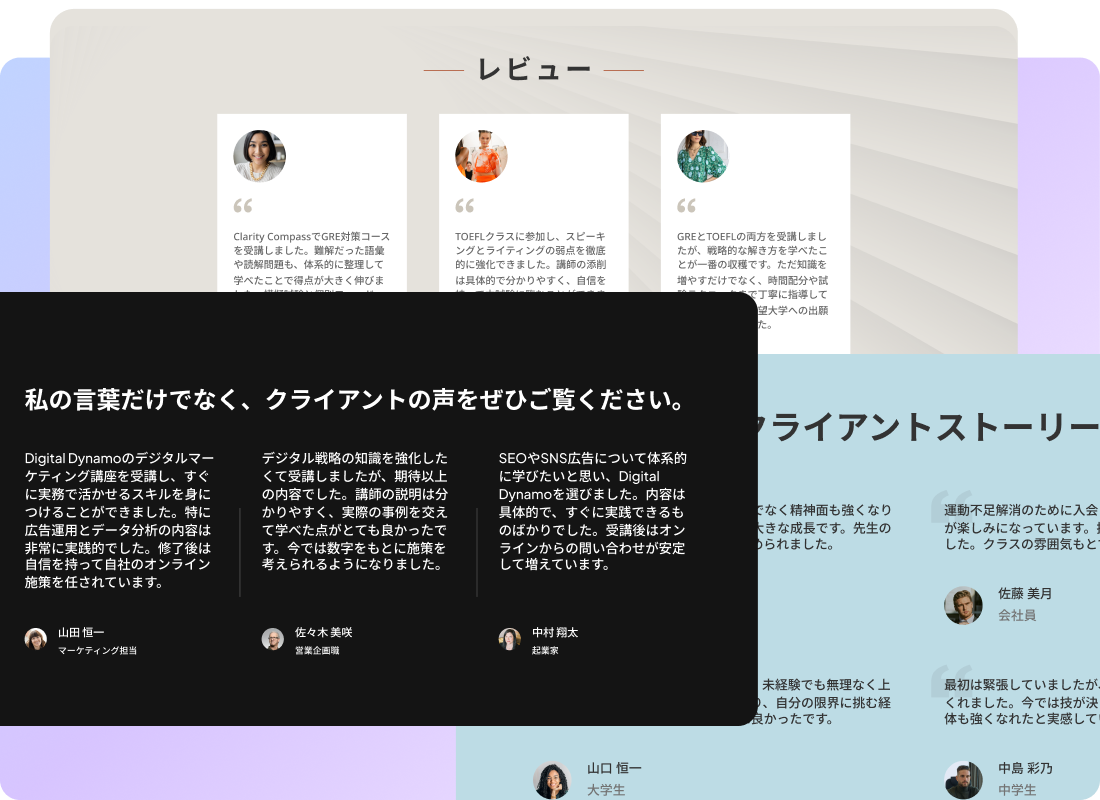
Positive reviews from successful students can make half your pitch and bring you credibility as a subject matter expert—potential learners value how a guide is perceived by others.


Share on social media

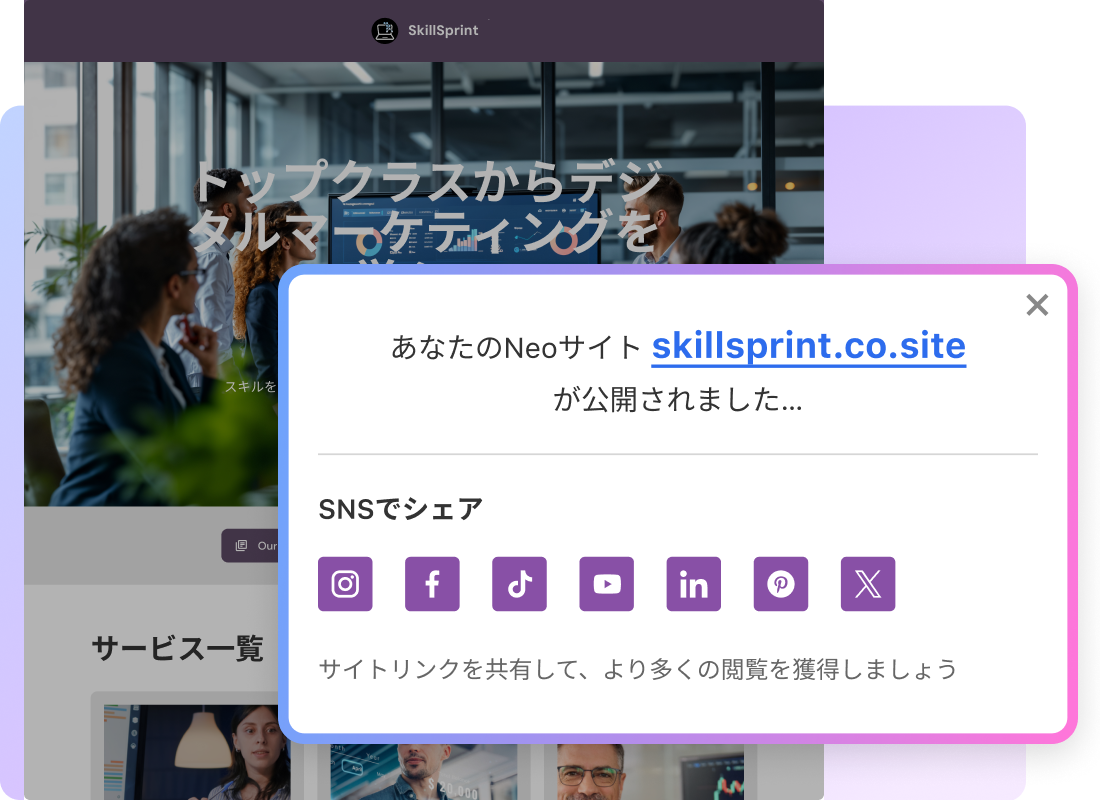
Share your website on social media, a key platform for learners to discover you! Also, add the website link to your social bio so it’s readily available for profile visitors.

Neo—a home for your idea as you start off

Website

Generate your ready-to-launch site with our AI website builder.

Custom Domain

Find a memorable domain name that best represents your brand.

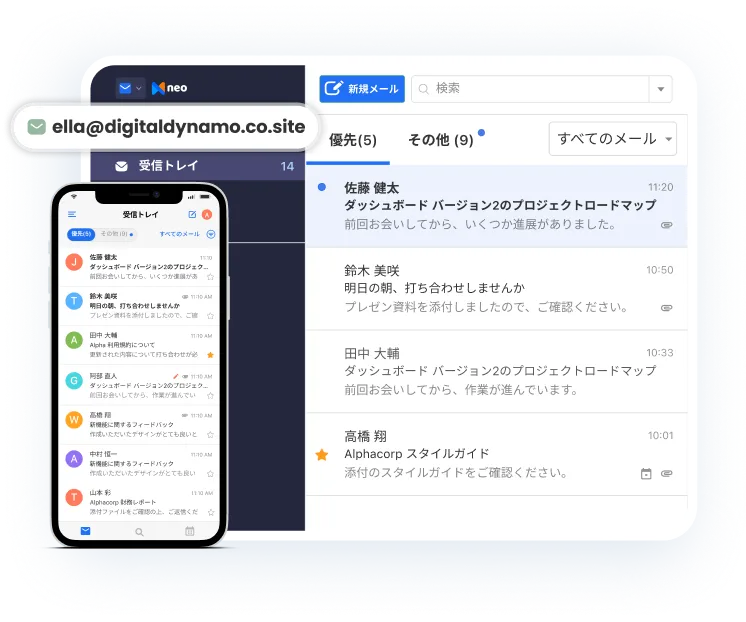
Business Email

Grow your business with a custom business email.

みんなのための Neo プラン

BusinessBasic
20%割引
$2.49
$2.49
メールボックスあたり月額(年払い)
BusinessPlus
20%割引
$4.99
$4.99
メールボックスあたり月額(年払い)
BusinessGrowth
20%割引
$9.99
$9.99
メールボックスあたり月額(年払い)
ウェブサイトストレージ
サイトのコンテンツやファイルをすべて保存できる十分なストレージ
1 GB
10 GB
50 GB
独自ドメイン
独自ドメインでサイトを公開
AI 搭載
AI ウェブサイト生成
すぐに公開できるサイトを数秒で作成
20 回
500 回
無制限(最新の AI モデル)
AI コピーアシスト
AI搭載のライティングツールでWebサイトのコンテンツを強化
50 回
500 回
無制限(最新の AI モデル)
サイトカスタマイズ
テンプレート
あらゆるスタイルに対応した豊富なテンプレート
すべて
すべて
すべて
フォントテーマ
ブランドに合わせたフォントでサイトをパーソナライズ
標準フォント
標準フォント
プレミアムフォント
カラーテーマ
デフォルトではなく、あなたらしさを表現するカラーパレットを選択
あり
あり
テンプレートに最適化
ストック画像
サイトを美しく仕上げる高品質なストック画像
50
無制限
高品質画像
画像ギャラリー
ポートフォリオを展示して、あなたの幅広い実績をアピール
10 枚の画像
500 枚の画像
無制限
商品の掲載
商品ラインナップを効率的に見せられます。
10 商品
500 商品
無制限
サービスの掲載
提供サービスを掲載して、お客様とのエンゲージメントを高めます。
10 サービス
500 サービス
無制限
YouTube 動画
簡単にYouTube動画を埋め込み、訪問者の興味を引きつけます。
お客様の声
サイト上のお客様の声で、信頼性を高めます。
6
無制限
訪問者
訪問者分析
詳細な分析ツールで、訪問者の行動を把握できます。
お問い合わせフォーム
訪問者からのお問い合わせを受け取り、受信トレイで一元管理できます。
1000
無制限
メール購読
訪問者がサイトから直接、最新情報を購読できるようにします。
WhatsApp
お客様とダイレクトかつスピーディーにやり取りできます。
事業者連絡先情報
連絡先情報を分かりやすく表示し、お客様が簡単に連絡できるようにします。
その他
Neo のブランディングを削除
Neoのブランディングを非表示にして、よりシンプルな見た目にできます。
サポート
どのステップでも専任サポートが付きます。
24時間365日サポート
24時間365日サポート
優先チャットサポート(24時間365日)

FAQs

How user-friendly are the AI website builders for beginners?

Neo’s AI website builder for beginners is extremely user-friendly and simple. You simply need to share a little description of what your website should be about. Neo AI will work on your request and create a stunning website for you in minutes—complete with the content and design.

Sign up for Neo Site to further tweak the AI-created page or regenerate the design, content, or the entire website, and once you're ready, go live!

What are the easiest website builders for beginners?

Neo is one of the easiest AI-powered website builders for beginners that can create a webpage for you in minutes. You don’t need to worry about coding and design elements as Neo’s AI site builder returns a full-fledged, ready-to-launch site when you share a brief description of your vision/website.

It offers most user-friendly options to customize the page to your preference and style, right from picking a color theme and font to moving website sections around to experimenting with templates - Neo's website builder lets you take complete control.

How to get started with website building as a beginner?

When you start creating an online portfolio for artists using Neo's AI website builder, you simply need to share your business name and description. Neo AI will work on your request and create a stunning website for you in minutes—complete with the content and design.

Sign up for Neo Site to further tweak the AI-created page or regenerate the design, content, or the entire website, and once you're ready, go live!

Do I need a domain name to use Neo's AI website builder?

Yes, to create a website, you need a domain (example: johnsmith.com). If you don’t have a domain yet, you can get one from Neo for free, through your website's first billing cycle, while signing up for a website.

If you already have a domain you’d like to use, you can create a website based on that.

What if I don’t have a domain?

In case you don’t have a domain, you can get one for free from Neo.

Is the website created on Neo mobile-friendly?

Yes! Neo helps you offer a great user experience no matter which device visitors discover you from. Our websites are optimized for all devices, ensuring a smooth user experience on mobile, tablet, or desktop, so you don't miss opportunities.

Whom can I contact for further assistance?

You can reach out to us at hello@neo.space at any time.