

ログイン


.svg)

「最も便利で手頃なビジネスソリューション」
.svg%201.svg)

「Neo は素晴らしいメールプロバイダーです。特に中小企業に最適です」









.svg)
.svg)


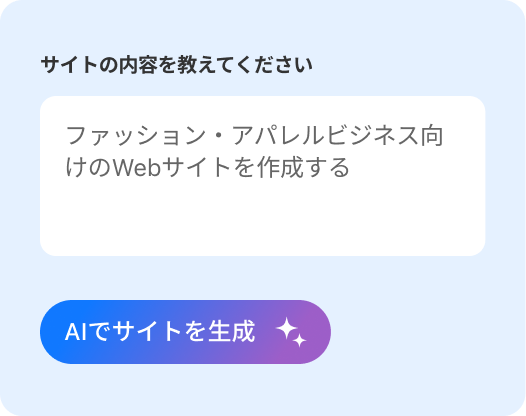
1つの質問に答えるだけで、コーディングなしでモバイル対応の完全なサイトが完成。
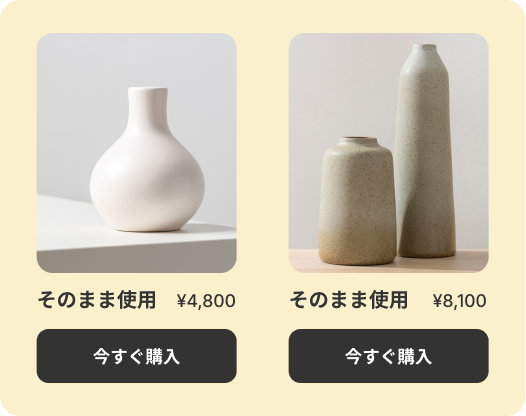
ドラッグ&ドロップエディタで、レゴのように要素を動かして提供内容を掲載。
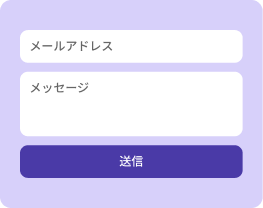
問い合わせフォームを使用して訪問者をお客様に変え、リードを受信トレイで受け取り。

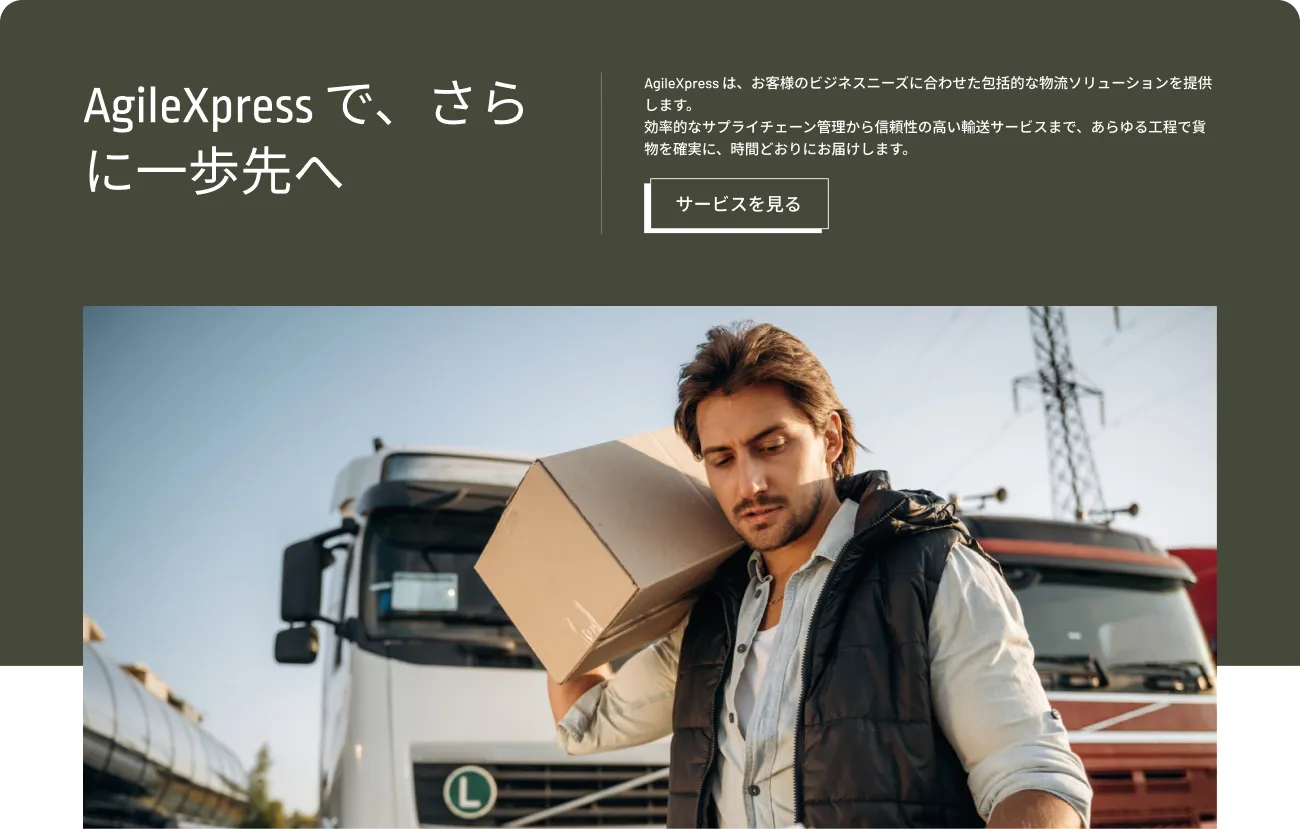
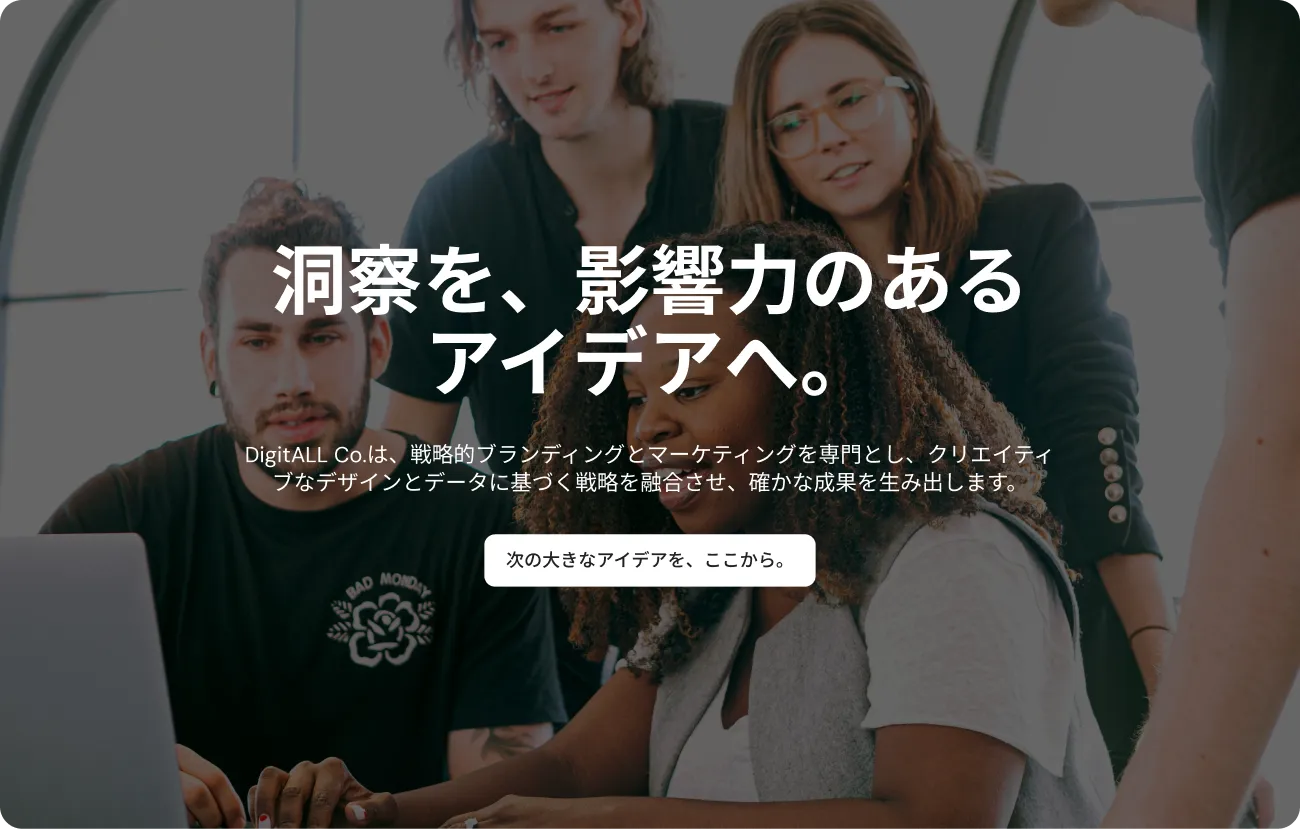

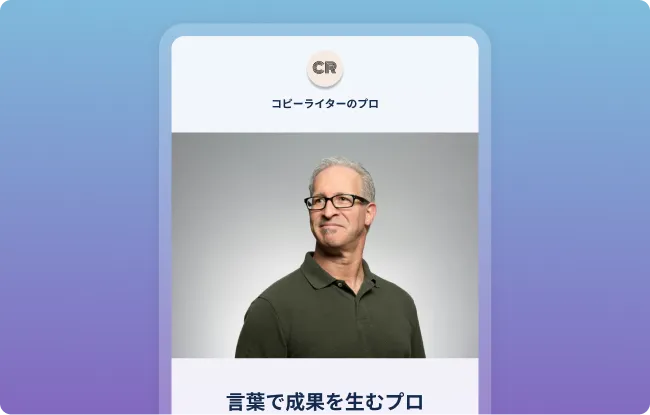


最初のメールから信頼性を構築。
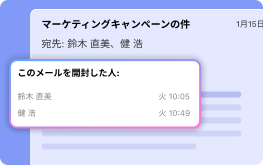
開封タイミングを把握し、最適な時期にプッシュ。
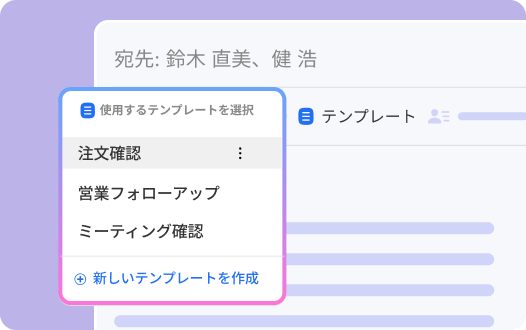
下書きを5倍速く作成し、完璧なタイミングで送信。
独自の会議リンクを設定し、相手があなたのカレンダーの空き時間を確認して、ミーティングを予約できるようにします。
あらゆるシーンに対応した、目的別に設計されたカスタマイズ可能なメールテンプレートで、印象的なメールを送信できます。あらゆるシーンに対応した、目的別に設計されたカスタマイズ可能なメールテンプレートで、印象的なメールを送信できます。
見積書や請求書を作成・カスタマイズ・管理できます。クライアントと共有し、ステータスの追跡まで、すべてNeoの画面内で完結します。
美しくパーソナライズされたメールを、複数の宛先へ一斉送信できます。受信者リストは非公開のまま管理でき、誰がメールを開封したかも追跡できます。
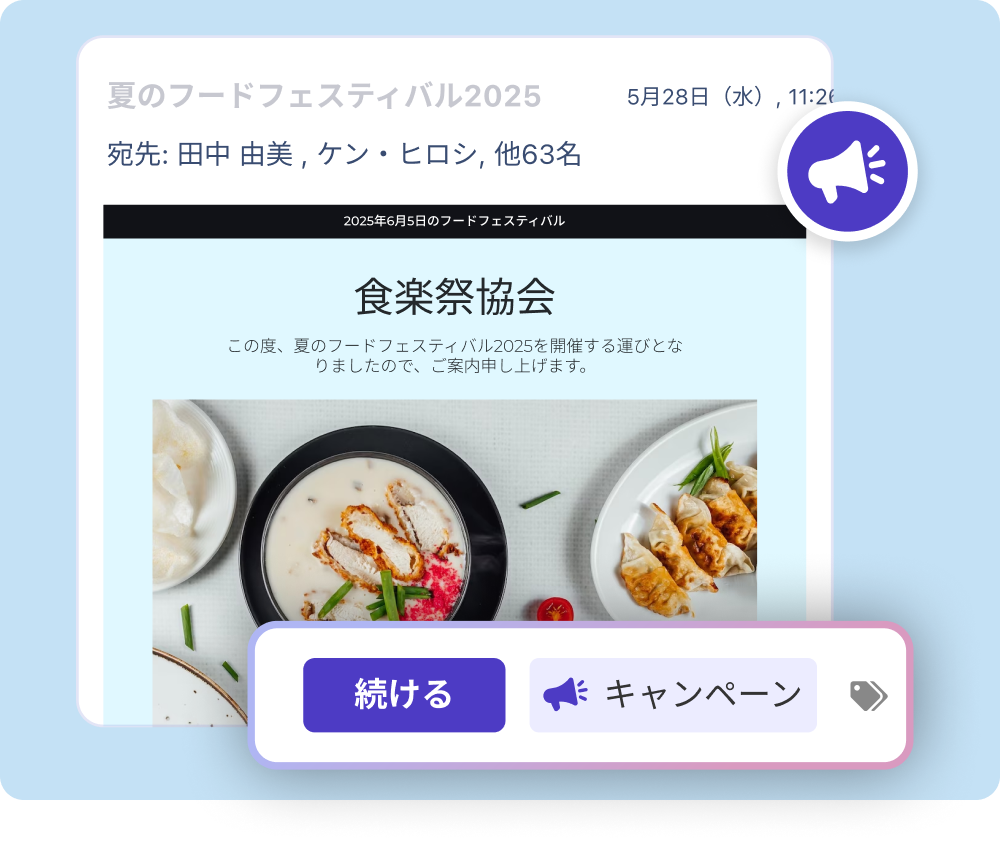
すぐに使えるテンプレートを活用して、プロフェッショナルなメール署名で差をつけましょう。連絡先情報やリンク、写真も追加できます。
「自分用の Webページを作るという概念自体がまったく初めてでしたが、Neo はそれを可能にしただけでなく、とても簡単で、しかも楽しい体験にしてくれました!」
「Neo は手間のかからないサービスを提供してくれます。強くおすすめします」
「何年もの間、Webデザインに苦労し、数え切れないほどのツールを試してきました。Neo の AI Webサイトビルダーは、その経験を完全に変えてくれました。非常に直感的で、複数のデザイン案を自由に試すことができます」
「Neo には、スタートアップビジネスをオンライン化するために必要なドメイン関連ツールがすべて揃っています」
「Neo から受けたサポートとバックアップは、私にとって非常に大きな助けになりました。すべてのソフトウェアが完璧に動作し、Webサイトやビジネス構築には Neo を強くおすすめします」

「セットアップが簡単で、サポートも素晴らしく、製品の連携もスムーズです」
「サイトの AI 搭載機能は非常に印象的で、私のビジョンにぴったり合う賢い提案をしながら、デザインプロセスを導いてくれました」
「私にとって最高のデザインコンサルタントです。デザインが得意ではないので、これまで多くのサービスを試してきましたが、Neo ならとても簡単です。しかも、複数の代替デザインを自由に試せます」
「プロフェッショナルなメールと Webサイトを一緒に持てるのがとても気に入っています。ビジネスにふさわしい、洗練された印象を与えてくれます」
「ブログ用に非常に完成度の高い Webサイトを作ることができ、コンバージョンにもつながっています。ぜひおすすめします」

10万人の顧客が利用。

プライバシー保護と個人情報の安全確保。

ドメイン、サイト、メールの設定が簡単。技術スキル不要。

専門家による 24時間365日の高評価サポート。
Neoは、AIウェブサイト、ドメイン名、ビジネスメールアドレスなどのサービスを通じて、ビジネスのオンライン成長をサポートする成長スイートです。NeoのAIウェブサイトビルダーは、すぐに公開可能なウェブサイトを生成し、美しいテンプレートと使いやすいサイトエディターで自由にカスタマイズできます。ビジネスメールサービスにはカスタムメールアドレスと強力な機能が含まれ、中小企業がブランド力を高めることを可能にします。
豊富な顧客フィードバックと調査を基に開発されたNeoのシンプルなインターフェースは操作の容易さを実現し、その信頼性によりビジネスの円滑な拡大をサポートします。
ビジネスメール、プロフェッショナルメール、またはカスタムメールとは、gmail.comのような汎用ドメイン名ではなく、自社ドメイン名(メールアドレスの@以降の部分)または事業用ドメインを使用したメールアドレスを指します。
Neoでは必要な数のビジネスメールアカウントを作成できます。事業に関わる全従業員、部門、サービスごとに、@自社ドメイン名で終わる専用のプロフェッショナルメールアカウントを割り当てることが可能です。
AIウェブサイトビルダーは、人工知能を活用して、コーディング不要でニーズに合わせた見事で効果的なウェブサイトを作成できる革新的なツールです。ウェブ制作のプロセスをシンプルにし、新規ビジネスの立ち上げから既存サイトのリニューアルまで、誰でも簡単に利用できるよう設計されています。
NeoのAIウェブサイトビルダーでサイト作成を始める際は、事業内容を簡単に共有するだけでOKです。NeoのAIがリクエストをもとに処理を行い、短時間で魅力的なウェブサイトを生成します。生成後は、デザインやコンテンツ、またはサイト全体を何度でも再生成できます。
さらに、コピー、画像、カラーテーマ、フォントなど、ウェブサイトのあらゆる要素を自由にカスタマイズ・調整することが可能です。
ビジネス用メールやウェブサイトを利用するには、ドメイン(例:johnsmith.com)を所有している必要があります。
まだドメインをお持ちでない場合は、Neoへのサインアップ時に co.site ドメイン を無料で取得できます(例:Piper Mills、pipermills.co.site、john@pipermills.co.siteなど)。
すでに使用したいドメインをお持ちの場合は、そのドメインを使って Neo でメール/ウェブサイトを作成できます。現在、期間限定の無料トライアル が利用可能です。
メール製品を選択し、すでにお持ちのドメインを使ってメールアカウントを作成する場合、Neoのビジネスメールを期間限定で無料トライアルとしてご利用いただけます。無料トライアル終了後は、作成したメールアカウントに対して登録済みのカードに料金が請求されます。料金は、アカウント数および選択したプランによって異なります。
Neoからドメイン名を購入した場合は、利用開始時にドメイン料金と作成したメールアカウントの料金が請求されます。
サイト(Webサイト)製品を選択した場合、支払いが必要になるのはWebサイトを公開するタイミングのみです。Neoでは、AIを活用したウェブサイトを無料で作成できます。ドメインをお持ちでない場合でも、Webサイトの最初の請求期間中はNeoが無料でドメインを提供します。
カスタマーアカウントログインでは、Neo 管理パネルにアクセスできます。
ここでは、ドメイン管理、プランのアップグレード、アカウントの追加、他プラットフォームからのアカウント移行などが行えます。
Webメールログインでは、Neo のメールボックスにアクセスし、メールの送受信ができます。
はい、可能です。Neo には 組み込みの移行ツールがあり、24時間365日対応のサポートスタッフもご利用いただけます。
はい。すべてのテンプレートは、あらゆるデバイスや画面サイズに最適化されており、どの環境で表示しても美しく見えるよう設計されています。
はい。ユーザーのプライバシーは私たちにとって最優先事項であり、プライバシー重視の方針を採用しています。EUのGDPR(一般データ保護規則)に準拠した個人データ処理のための厳格なプロトコルを定めています。また、製品の購入に必要な最小限のデータのみを収集します。
はい。いつでも解約可能で、次回の請求期間分は課金されません。
いつでも hello@neo.space までお問い合わせください。
.webp)
Neoでは、小規模事業者がオンライン展開し、プロフェッショナルな存在感を持てるよう、プロセスを簡素化することを使命としています。Neoなら、コーディングや専門知識がなくても誰でもブランドを立ち上げ・強化・向上できます。ドメインをはじめ必要なすべてを提供し、時間とコストを節約します。あなたはビジネスの成長に専念できます。