


Some Heading
Storage space allotted for each mailbox that is created.


.webp)
.webp)

Los clientes tienen 9 veces más probabilidades de elegirte si utilizas una dirección de correo electrónico empresarial.
Añada credibilidad a su marca y consolide su presencia en línea.

Dele a su empresa en crecimiento todo el espacio sin preocuparse por el espacio de almacenamiento.

Con la impecable reputación de IP de Neo, tu correo electrónico siempre llegará a su destino.

El personal de soporte dedicado de Neo está disponible para ayudarlo las 24 horas del día.

Obtenga un 50% de descuento adicional con DE 50
Obtenga un 50% de descuento adicional con DE 50
Obtenga un 50% de descuento adicional con DE 50

Capacidad de almacenamiento por buzón
Correo Neo en escritorio

Consulta tu correo Neo en otras aplicaciones de correo
Consulta tu correo Neo en otras aplicaciones de correo
Envía correos electrónicos personalizados y atractivos a varios destinatarios a la vez, manteniendo la lista de contactos privada. También puedes realizar un seguimiento de quién abrió tu correo.
Crea un enlace de reunión único y permite que clientes y miembros de tu equipo encuentren un hueco en tu calendario y programen reuniones contigo sin complicaciones.
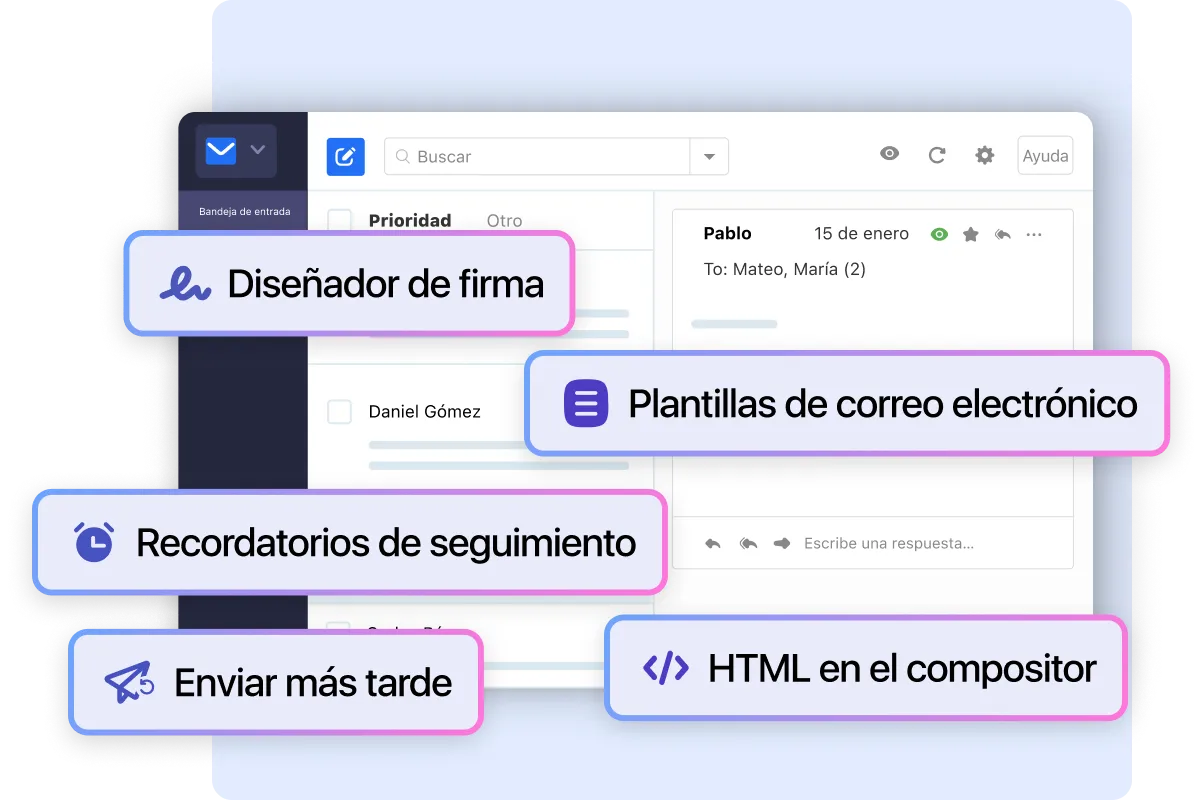
Crea tu firma con logotipo, enlaces y código HTML
Crea tu firma con logotipo, enlaces y código HTML
Crea tu firma con logotipo, enlaces y código HTML
Crea tu firma con logotipo, enlaces y código HTML
Crea tu firma con logotipo, enlaces y código HTML
Obtén borradores de correo listos para usar en segundos para cualquier necesidad, gracias a Neo AI. ¡Tus correos en frío, propuestas, negociaciones y respuestas a consultas ya están resueltos!
Obtén borradores de correo listos para usar en segundos para cualquier necesidad, gracias a Neo AI. ¡Tus correos en frío, propuestas, negociaciones y respuestas a consultas ya están resueltos!
Entérate de cuándo alguien abre un correo que enviaste
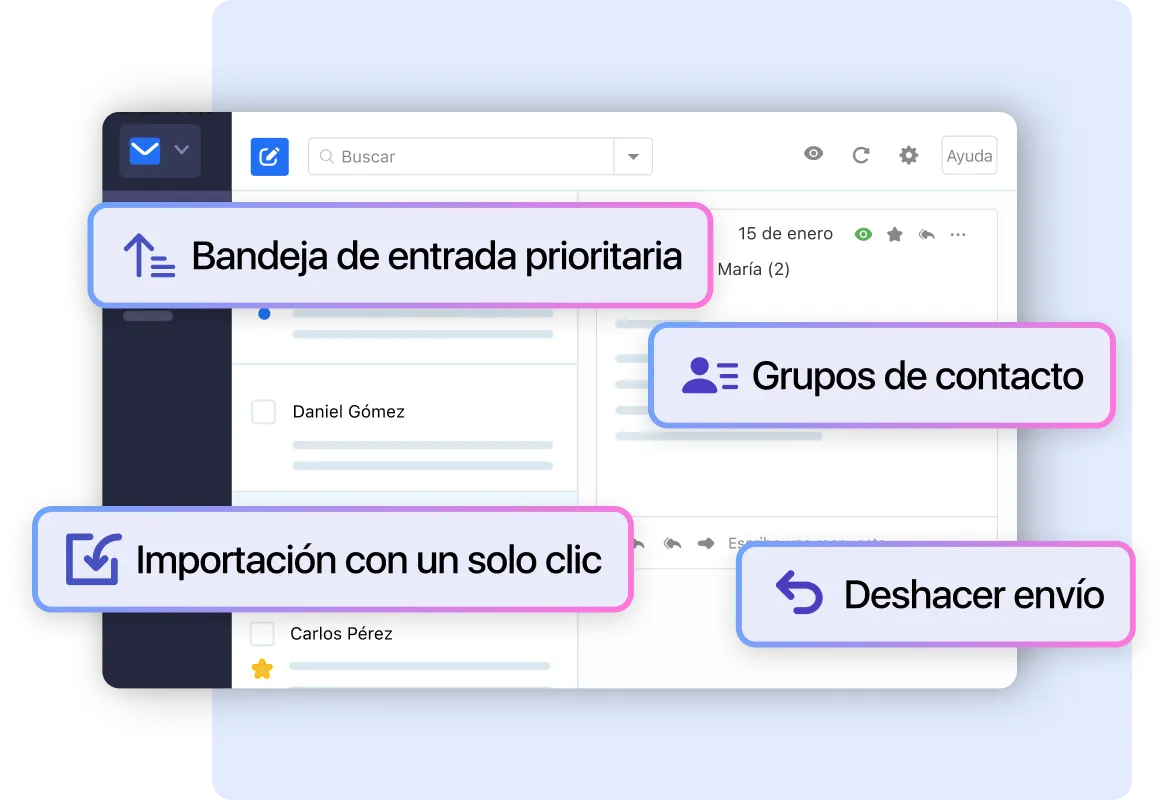
Visualiza solo los correos de los remitentes que marques como Prioritarios
Entérate de cuándo alguien abre un correo que enviaste
Guarda correos para reutilizarlos cuantas veces quieras. Incluye una biblioteca de plantillas con correos preescritos.
Obtén borradores de correo listos para usar en segundos para cualquier necesidad, gracias a Neo AI. ¡Tus correos en frío, propuestas, negociaciones y respuestas a consultas ya están resueltos!
Crea un grupo con tus destinatarios frecuentes para contactarlos a todos simultáneamente
Programa tus correos para enviarlos más tarde
Deshaz el envío de tu correo para corregir un error o añadir un archivo
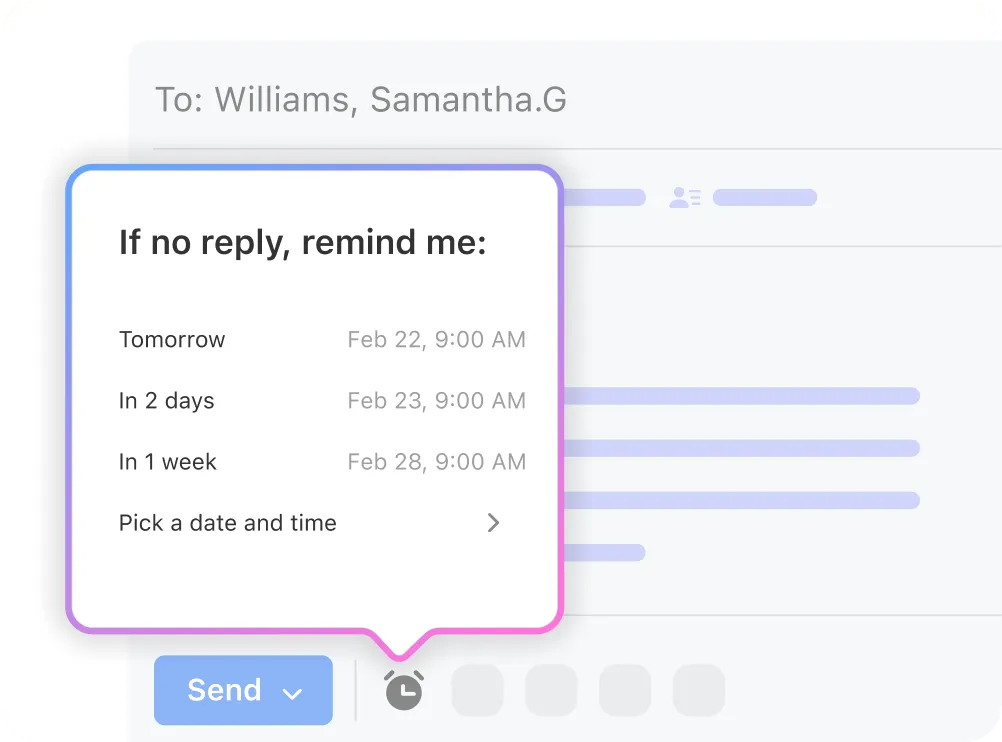
Recibe un recordatorio para hacer seguimiento de correos importantes
Usa código HTML personalizado para crear correos más atractivos visualmente
Bloquea remitentes para que sus correos no aparezcan en tu buzón
Añade un remitente o dominio específico a tu lista de permitidos para asegurar que sus correos lleguen a tu bandeja de entrada y no a la carpeta de spam
Inicia sesión en varias cuentas de correo Neo simultáneamente
Añade una cuenta de Gmail para recibir correos nuevos
Buzón para recibir correos enviados a direcciones no válidas en nuestro dominio
Alias de tu dirección de correo para separar correos como ventas o soporte. Simplemente reenvía el correo recibido.
Envía correos usando tu identidad de alias para mantener oculta tu dirección de correo principal
Reenviar correos entrantes a una dirección de correo que no sea Neo
Capa adicional de seguridad para tu cuenta de correo electrónico mediante Google Authenticator y otros
Protección mejorada de correos enviados y recibidos con comprobaciones contra virus, malware, ataques de phishing y más
Medidas para mantener el spam no deseado fuera de tu bandeja de entrada
Mejora la entrega de tus correos enviados creando una firma digital para tu dominio que informe al destinatario de que eres un remitente legítimo y verificado
Organiza los correos entrantes automáticamente creando reglas para moverlos a carpetas y más
Cuando estés fuera, notifica automáticamente a las personas que no podrás responder de inmediato
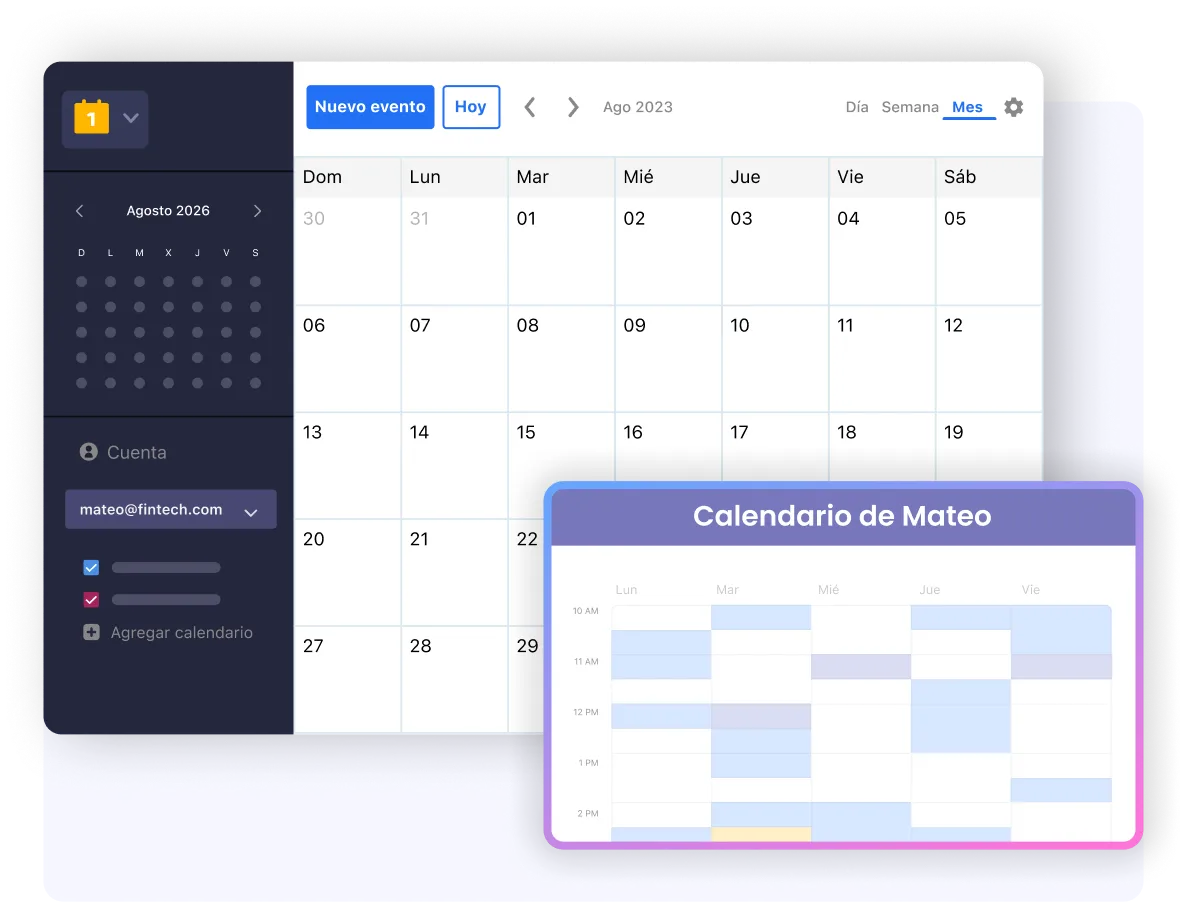
Comparte tu calendario con tu equipo y contactos externos
Importa tus correos y contactos antiguos a Neo

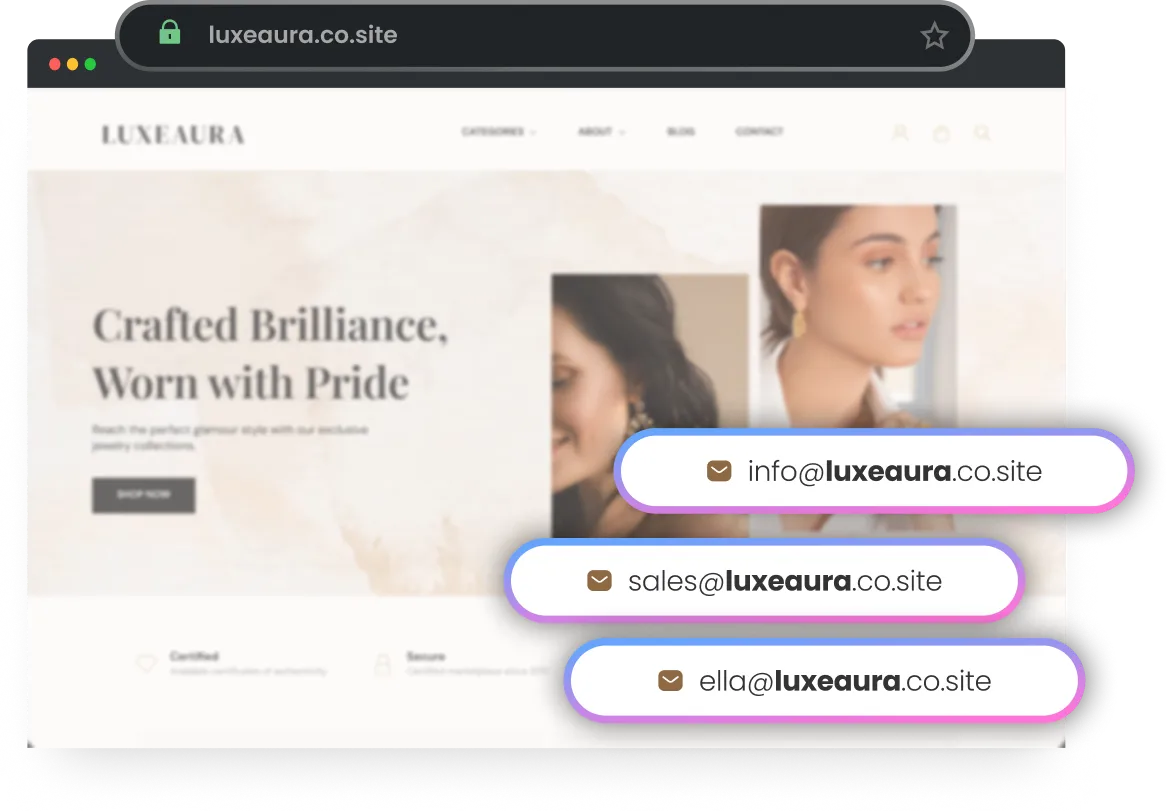
Configurar una dirección de correo electrónico empresarial en Neo es rápido y sencillo. El uso de direcciones específicas para cada función le da un aspecto más profesional y mantiene sus bandejas de entrada optimizadas.
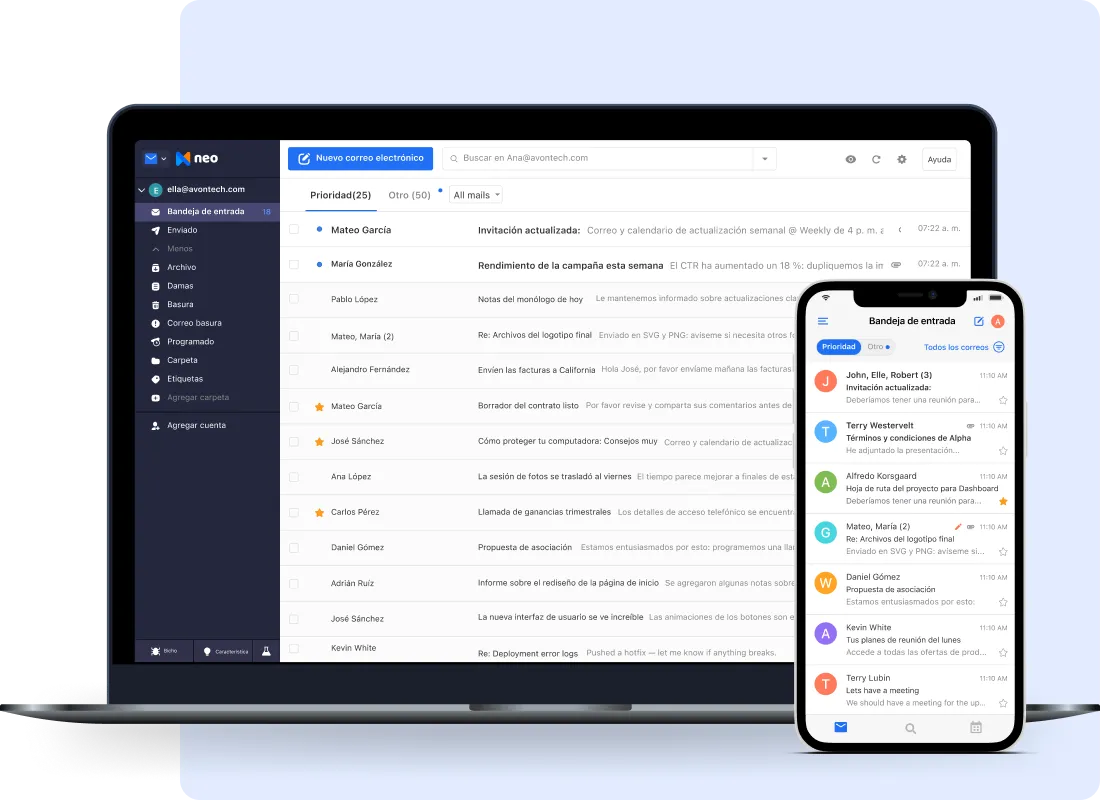
Su empresa no se detiene, ¡y su comunicación empresarial tampoco debería hacerlo! Configura Neo en dispositivos móviles y de escritorio y mantente conectado.
Comparte tu calendario con tus contactos, programa citas y trae eventos de otras aplicaciones de calendario.
Neo está repleto de funciones de primer nivel para ayudar a que tu negocio crezca. Nuestra plataforma está diseñada para ayudarlo a comenzar fácilmente, y nuestras poderosas herramientas lo ayudarán a llegar a sus clientes de manera más eficiente.
Ver las características de Neo»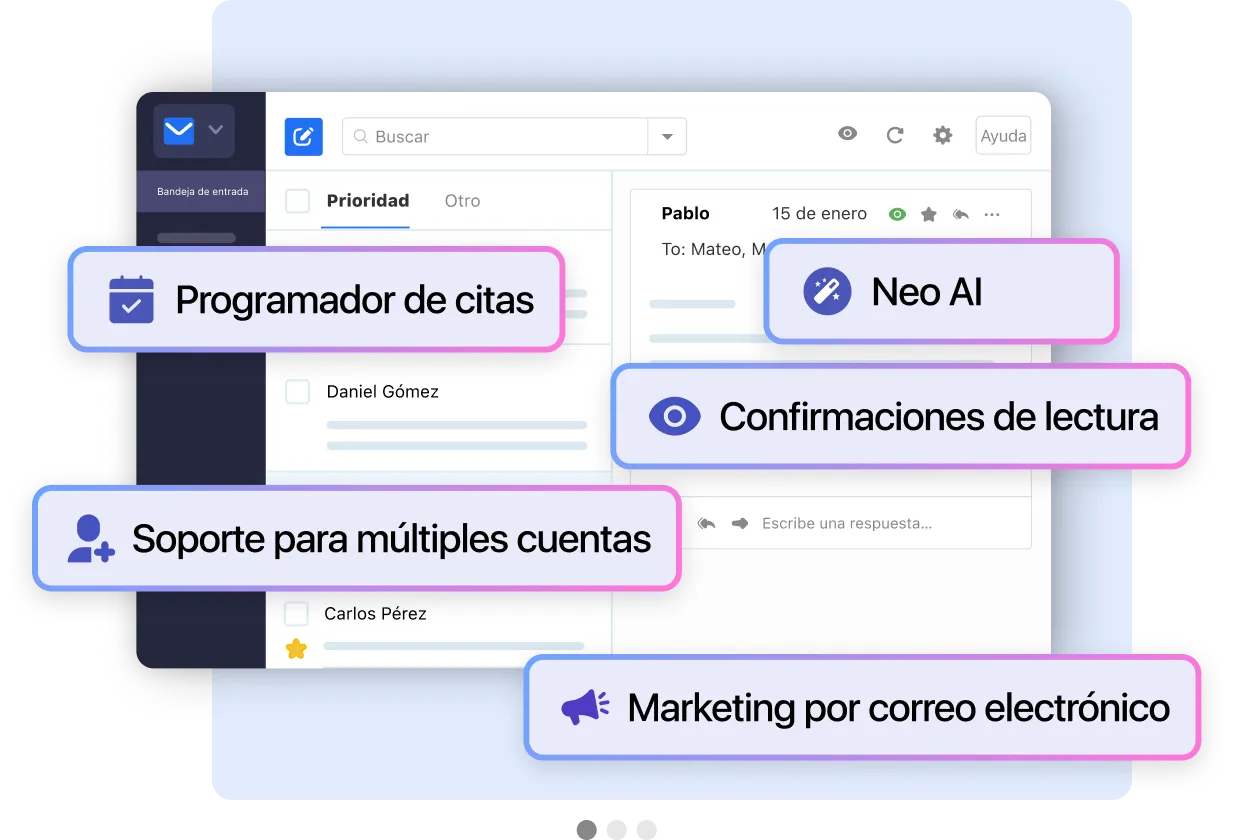

Data encrypted at rest and in transit with 256-bit ciphers.
Stay extra safe with a second layer of authentication.


Designed with reliability and uptime in mind.
No place for scammers and spammers.

Neo Mail offers a free business email during its 15-day free trial, so you can try it before choosing a paid plan.
Here’s how to create your business email using Neo Mail:
El correo corporativo, empresarial o personalizado es una dirección de correo electrónico que usa tu nombre de dominio (la parte que viene después de @ en una dirección de correo electrónico) o el dominio de tu empresa, en lugar de un nombre de dominio genérico como gmail.com.
Puedes tener tantas cuentas de correo electrónico como necesites con Neo. Todos los empleados, departamentos y servicios que formen parte de tu empresa pueden tener sus respectivas cuentas de correo electrónico profesionales que terminen en @yourdomainname.
Para usar un correo corporativo, debes tener un dominio (por ejemplo: johnsmith.com | DAN.com).
Si aún no tienes un dominio, puedes obtener un co.site dominio de Neo de forma gratuita al suscribirse a un correo electrónico empresarial. Por ejemplo, si el nombre de tu empresa es Piper Mills, puedes comprobar si pipermills.co.site está disponible con Neo. Luego, sigue adelante y crea cuentas como john@pipermills.co.site, stephanie@pipermills.co.site, etc.
Además, para que su presencia en línea sea más sólida, también obtiene un sitio web de una página para su negocio sin costo mientras tu suscripción a Neo esté activa. Tu sitio web de una página tendrá un dominio coincidente (pipermills.co.site) para ayudarte a aumentar tu presencia en la web.
Si ya tienes un dominio que te gustaría usar, puedes recibir un correo electrónico a través de Neo usando ese dominio. Si ya tienes una cuenta de correo electrónico, puedes pasarla a Neo para obtener una plataforma de correo electrónico eficiente, fiable y con muchas funciones. Tienes derecho a una prueba gratuita por tiempo limitado antes de decidirte a mudarte por completo.
Sí. Neo viene con herramientas de migración integradas para ayudarte a transferir fácilmente los datos de correo electrónico existentes a tu cuenta. Si tienes problemas con la migración en algún momento, nuestro personal de soporte especializado está disponible las 24 horas del día, los 7 días de la semana para ayudarte.
¡Absolutamente! En Neo, nos tomamos muy en serio la seguridad de los datos y nos aseguramos de que todos los datos de su correo electrónico estén seguros. Nuestras herramientas de seguridad de primer nivel, como el antivirus y el antispam, el cifrado de datos y la autenticación de dos factores, garantizan que todos sus datos estén siempre protegidos.
Sí. La privacidad de los usuarios es primordial para nosotros y seguimos un enfoque que prioriza la privacidad. Hemos establecido protocolos estrictos para el procesamiento de datos personales de acuerdo con el RGPD de la UE (Reglamento general de protección de datos). Solo recopilamos datos que son cruciales para la compra de nuestro producto.
Puede ponerse en contacto con nosotros en hello@neo.space en cualquier momento.
Storage space allotted for each mailbox that is created.
Storage space allotted for each mailbox that is created. Storage space allotted for each mailbox that is created.